Choosing the Best 2K Webcam for Your Business

application/2k-webcam, application/2k-webcam, 
Inquiry
Inquiry

2k webcam

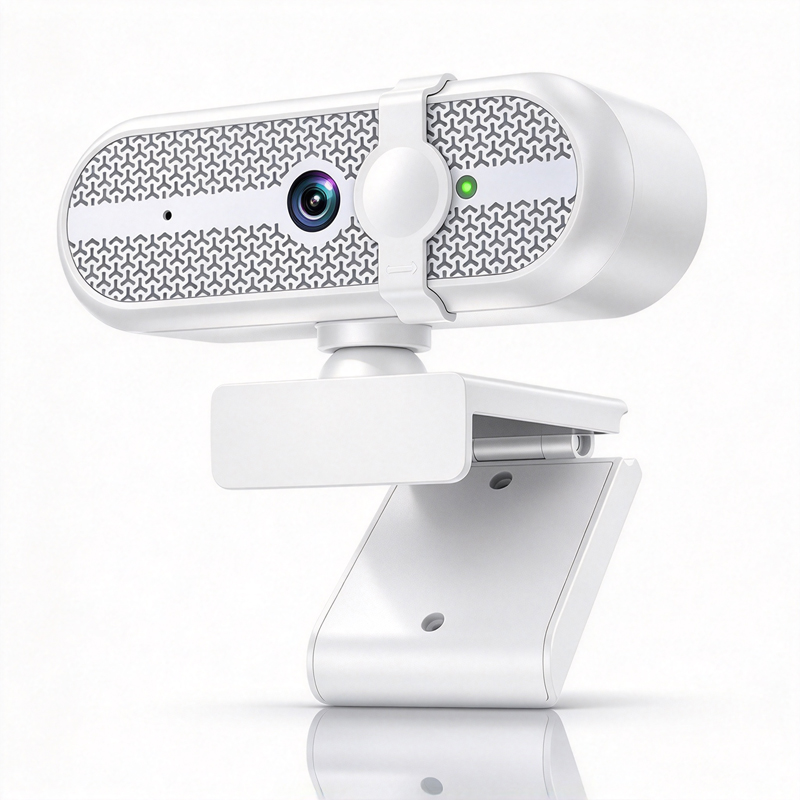
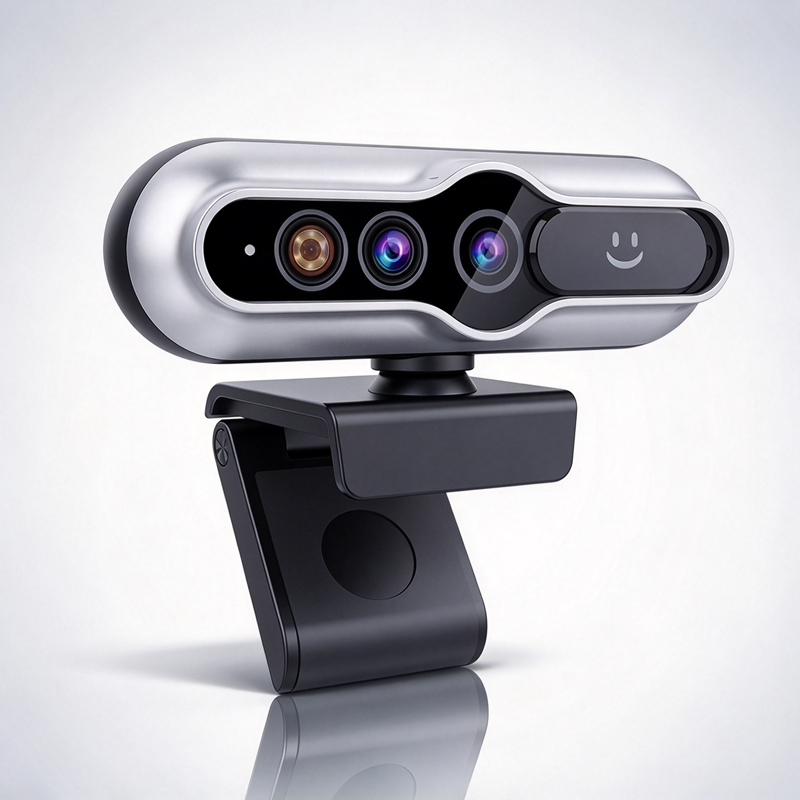
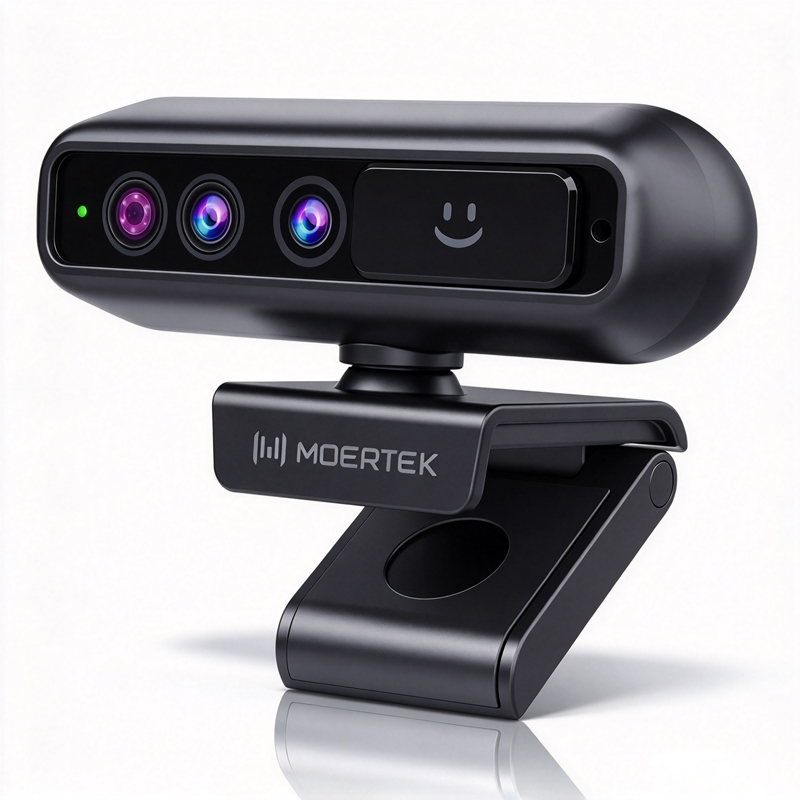
When considering a 2K  webcam for  your business, it's essential to  understand the various specifications, quality factors, and practical applications that can influence  your purchasing decision. A  2K webcam  can enhance video quality in  meetings, webinars, and remote education,  but  buyers need to assess features such  as  resolution, compatibility,  and  installation  requirements. This article will guide  you  through the essential  considerations, specifications, and common problems associated with 2K  webcams to  help you make an informed purchasing choice.

Key Specifications of 2K Webcams for Wholesale Buyers

Key Specifications of 2K Webcams for Wholesale Buyers

For wholesale  buyers, understanding the technical specifications of 2K webcams is  essential for making informed purchasing decisions. Key  specifications to consider include:

Resolution: As mentioned, 2K resolution (2560 x 1440) is  ideal for  clear video quality. Frame Rate:  Look  for webcams  that offer at least 30  frames per second (fps)  for smooth video playback. Field of View: A range  of 60 to 120 degrees is  common, with wider angles  providing more coverage in group settings. Compatibility: Ensure  the webcam  is compatible with popular  conferencing platforms like Zoom, Microsoft Teams, or Google Meet. Microphone Quality: Built-in  microphones should offer clear audio quality, with noise-canceling features  preferred for busy environments. Mounting Options: Consider how the webcam will be mounted—whether on a tripod, monitor, or wall—and ensure it fits your intended setup.

Understanding these specifications allows buyers to assess the performance and suitability  of different models for their specific applications.

 
How to Evaluate the Quality of 2K Webcams for Your Projects

How to Evaluate the Quality of 2K Webcams for Your Projects

Assessing the quality of 2K webcams involves more than just looking at specifications on paper. Buyers should consider  several factors that  impact overall performance:

Sample Testing: Before  committing to  a bulk order, request samples. This allows  you  to evaluate actual video quality,  ease of installation, and  overall functionality in your specific environment. Testing under real conditions can reveal issues that may  not be apparent from product descriptions alone.

Build Quality: Examine the materials used in the webcam’s construction. A  robust design can indicate durability, which is critical for frequent  use in corporate environments. USB webcam options can also be considered for their ease of use and reliability.

User Reviews  and Ratings: Research feedback from other users  in similar industries. Their experiences can provide  insights into potential issues or advantages that aren’t  covered in technical specifications.

Manufacturer Reputation: Opt for webcams from reputable manufacturers with a track record of quality  and support. This can often indicate better reliability  and customer service.

By focusing on these  quality evaluation methods, buyers can ensure they select a  webcam that meets their  expectations and operational needs.

Understanding Cost Factors for Purchasing 2K Webcams in Bulk

Understanding Cost Factors for Purchasing 2K Webcams in Bulk

When  purchasing 2K webcams in bulk, several cost factors come into play  that can impact your budget:

Unit Price: The  cost of each webcam typically decreases  with larger quantities.  However, not all manufacturers offer the same pricing  structure, so it’s crucial to request  quotes from multiple suppliers.


Shipping Costs: Factor in shipping fees, as these can vary significantly based  on the supplier’s location  and your delivery requirements. Bulk  orders might qualify  for reduced shipping rates,  so inquire about this when negotiating.

Customization Options: If your  project requires specific features or branding, customization can add to the cost. Discuss your requirements  upfront to understand any additional charges that may be incurred.

Warranty and  Support: Consider the cost  of extended warranties or  support packages. Investing in these can save money in the long run  if issues arise after purchase.

Understanding these factors can help buyers make smarter financial decisions when procuring 2K  webcams.

Common Installation Problems with 2K Webcams and Their Solutions

Installing 2K webcams can come  with its own set of challenges. Here are some common installation problems and their solutions:


Compatibility Issues: Ensure  that  the webcam is compatible with your operating system and conferencing software. If you're facing compatibility issues, check  for updated drivers or software patches from the manufacturer.

Poor Audio Quality: If audio quality is subpar, investigate whether  the microphone settings are correctly configured. Using an external microphone may  also improve sound quality in larger spaces.

Insufficient Lighting: Webcams may struggle in low-light conditions. To address this, consider investing in additional lighting or using  webcams with low-light compensation features.

Mounting Difficulties: If the webcam cannot be securely mounted, verify that  you are using  the right mounting equipment. Wall mounts or tripods may  provide more stability, especially in  busy environments.

By being aware of these common installation  challenges  and  their  solutions, buyers can streamline the setup process and ensure optimal performance from their 2K webcams.

Selecting the right 2K webcam involves a thorough understanding  of specifications, quality evaluation methods,  cost factors,  and installation challenges. By taking the time to assess these areas, businesses can make informed decisions that enhance their video  conferencing capabilities.

What to Consider When Choosing a 2K Webcam for Your Business

When selecting a 2K webcam, several buyer concerns should be  prioritized. Key aspects include resolution, field of view, compatibility with existing systems, and  additional features such as  AI auto-tracking or noise reduction.

First, resolution is crucial; a 2K webcam typically offers a resolution of 2560 x 1440 pixels, which provides greater clarity compared to standard 1080p webcams. This is particularly  important for businesses that rely on high-quality video for presentations  or remote communications.

Next, consider the webcam's field of view. A  wider  field of view allows more participants to be captured in a single  frame, making it ideal for conference settings. Additionally, compatibility with your existing hardware and software should be assessed  to  avoid connectivity issues. 

Lastly,  features like AI  auto-tracking, which keeps the focus on the speaker, and noise  reduction capabilities can significantly enhance video conferencing experiences, particularly in environments with  background noise. Ensuring  that  these features  align with your business needs will lead to a more  effective  investment. Additionally, integrating a Conference system can further enhance your video conferencing setup.

Frequently Asked Questions

What resolution does the 2k webcam support?

The 2k webcam captures video at 1440p resolution for clearer image detail in meetings, lectures, and telemedicine sessions.
Yes. The 2k webcam supports plug-and-play USB connectivity and is compatible with major conferencing and streaming platforms on Windows, macOS, and Linux.
Yes. The webcam integrates AI auto-tracking to follow speakers smoothly, ideal for classrooms and conference rooms.
Equipped with an array microphone and advanced noise reduction, it delivers clear voice pickup and minimizes background noise for better call quality.
The product meets CE, FCC, and RoHS standards. OEM/ODM services are available for branding, firmware, and hardware customization to fit enterprise needs.

Get a Free Quote

Our representative will contact you soon.
0/1000

Related product categories