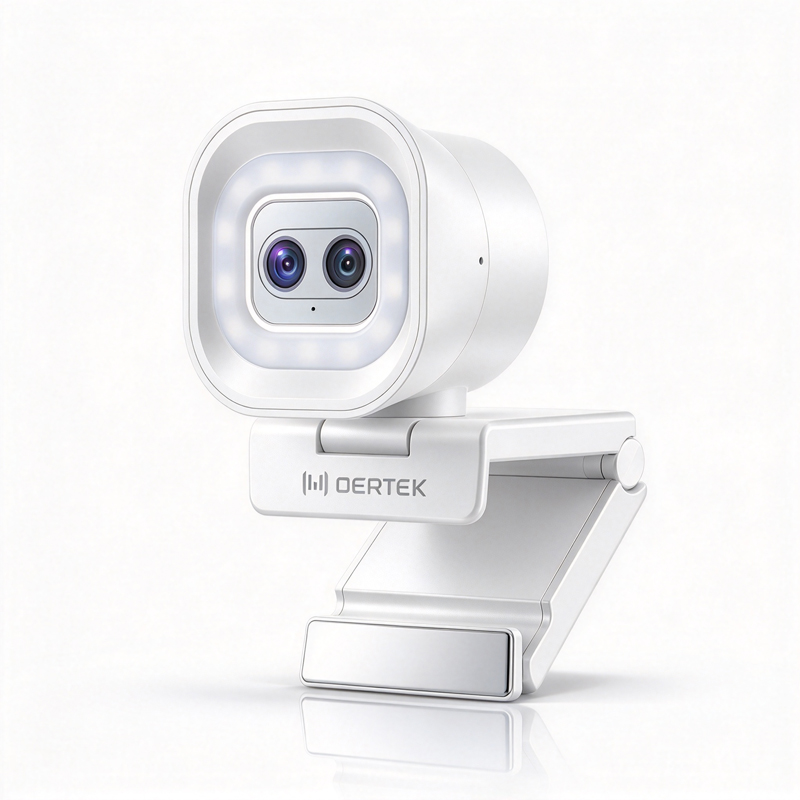
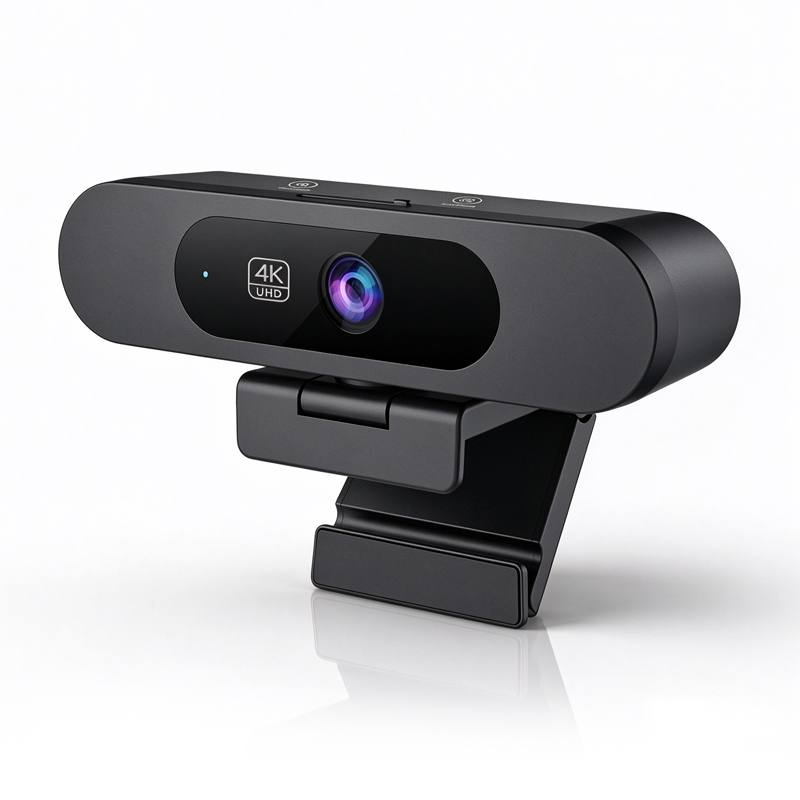
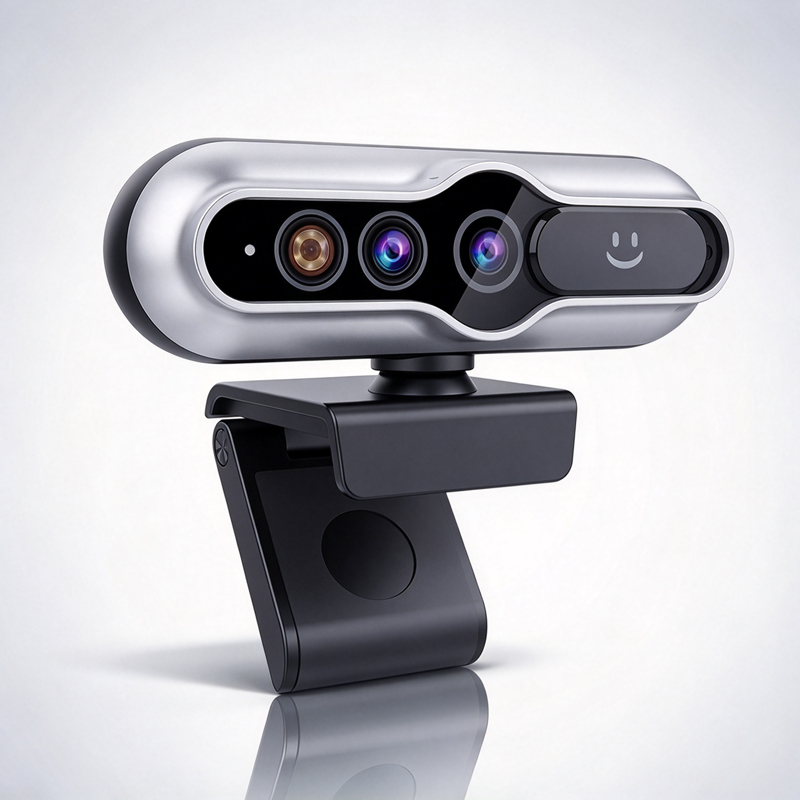
Choosing the Right 4K Autofocus Webcam for Business

application/4K-Autofocus-Webcam, application/4K-Autofocus-Webcam, 
Inquiry
Inquiry

4K Autofocus Webcam

In  today’s digital landscape, a  4K autofocus webcam is  essential for businesses looking to enhance their  remote communication  and collaboration capabilities. With high-resolution video quality, these webcams  are designed to meet  the demands of video  conferencing, virtual meetings, and  online education. Buyers often  have concerns about  compatibility, performance, and reliability, making it  crucial to  understand  key specifications and features. This article will guide  you through  important considerations when selecting  a 4K autofocus webcam for your  business  needs.

4K Autofocus Webcams for Different Applications

4K Autofocus Webcams for Different Applications

A 4K autofocus webcam can serve  multiple applications across various  sectors. Here’s a breakdown of  suitable uses:

Corporate Meetings: In business environments, high-quality  video  enhances  communication. Features  like AI  auto-tracking can help maintain focus on speakers,  making presentations more engaging. For example, a Wireless 4K PTZ Conference Camera can be a great addition to your meeting room setup.

Education: Teachers can  utilize 4K webcams to deliver  lectures with clarity. The autofocus feature ensures that visual  aids or whiteboards are always in focus, benefiting  remote learners.

Telemedicine: For healthcare  professionals, clear video quality is crucial when consulting patients. A 4K webcam can help  in accurately assessing visual symptoms during virtual appointments.

Content Creation and Streaming: For vloggers and streamers, the  ability to deliver high-resolution video is essential. Autofocus ensures that  content remains  visually engaging, regardless  of movement.

Installation Guidance for 4K Autofocus Webcams in Corporate Settings

Installation Guidance for 4K Autofocus Webcams in Corporate Settings

Installing a  4K autofocus webcam requires careful  planning to optimize performance. Here are essential steps:

Mounting Options: Determine the best mounting position based on the room layout. Wall-mounted options  are ideal  for fixed  setups, while tripods offer flexibility for mobile use.

Lighting  Considerations: Proper lighting significantly affects video quality. Ensure the webcam is positioned to take advantage of  natural light or invest in supplementary  lighting to avoid shadows.

Cable Management: Organize and secure cables  to  prevent tripping hazards  and maintain  a clean workspace. Consider using cable clips or conduits for  a professional look.

Software  Setup: After physical installation,  configure the webcam settings through compatible software. Test the autofocus and video quality in various lighting conditions to  ensure optimal performance.

User Training: Provide training for employees on how to  use the webcam effectively. This includes adjusting settings  and understanding features  like zoom and  focus.

Common Problems with 4K Autofocus Webcams and Effective Solutions

Common Problems with 4K Autofocus Webcams and Effective Solutions

While 4K autofocus webcams offer superior performance, users  may encounter common  issues. Here are some typical problems  and solutions:

Focus Issues: If the webcam struggles to  maintain focus, ensure it’s clean and free  from obstructions. Additionally,  verify the autofocus settings in the software.

Connectivity Problems: If  the webcam is  not recognized by the computer, check the USB connection and ensure  the drivers  are up to  date.  Try connecting to  a different USB port.

Audio Distortion: Poor audio quality can stem  from background noise. Position the webcam closer to the speaker and consider using an external microphone for larger rooms.

Overexposure or Underexposure: Adjust  the camera settings or lighting conditions to avoid  these issues.  Some webcams allow manual adjustments for brightness and contrast.

Assessing Supplier Reliability for 4K Autofocus Webcam Purchases

When  selecting a supplier for 4K  autofocus  webcams, consider the following criteria to assess reliability:

Experience and Expertise: Choose suppliers with a proven track record in manufacturing high-quality webcams. Experience in the industry often correlates with better product understanding  and customer service.

Certifications  and Standards: Verify that the supplier adheres to  relevant quality standards and certifications,  such as CE, FCC, and RoHS. These certifications ensure compliance with safety and environmental regulations.

Production Capabilities: Assess the supplier's manufacturing capabilities, including their technology and equipment. Suppliers like  Moertek, specializing in advanced R&D and production of conference cameras, can often offer  superior  product quality and customization. For example, their 4K PTZ Camera is a top choice for conference setups.

Customer  Support: Evaluate the level of customer  service provided.  Reliable suppliers should offer comprehensive  support, including installation guidance and troubleshooting  assistance.

References and Reviews: Seek feedback  from  previous customers to gauge the supplier's reliability and product performance. Online reviews and testimonials can provide insight into the supplier's reputation.

Sample Approval Process: Before placing a bulk order, request samples to evaluate the product's performance and compatibility with your  systems. This step is crucial to ensure satisfaction with the final purchase.

By following these guidelines, businesses can confidently select the right 4K autofocus webcam and supplier to enhance their communication capabilities.

What to Consider When Choosing a 4K Autofocus Webcam for Your Business

When selecting a  4K autofocus webcam, buyers should prioritize several factors  to ensure optimal performance  and compatibility with their existing systems. Key considerations include:

Resolution and  Frame Rate: A  true 4K webcam delivers a resolution of 3840 x 2160 pixels, providing  crisp and clear video quality. Additionally, consider the frame rate; 30 frames per  second (fps) is standard, but higher frame  rates (up to 60 fps) can enhance video smoothness,  especially for dynamic presentations.

Autofocus Technology: The autofocus feature is crucial for maintaining clarity  as users move within the  frame. Look for webcams that utilize advanced AI algorithms for seamless tracking and focus adjustments, especially in dynamic environments like conference rooms.

Field of View: The field of view (FOV) determines how much of the environment is captured. A wider FOV (e.g., 90 degrees) is beneficial for group meetings,  while a narrower FOV may suit personal use better.

Microphone Quality: Built-in microphones should offer noise reduction capabilities to minimize background  sounds,  enhancing audio  clarity. For larger spaces, consider  additional external microphones for  superior sound quality.

Connectivity Options: Ensure the webcam is compatible with  your hardware and software. USB connectivity is standard, but check for compatibility with various operating systems  and platforms.

Certifications: Look for webcams with certifications such as CE, FCC, and RoHS, which indicate adherence to quality and safety standards.

Frequently Asked Questions

What video resolution and frame rate does the 4K Autofocus Webcam support?

It supports true 4K UHD resolution with smooth frame rates suitable for conference and telemedicine use, ensuring clear detail and professional image quality.
AI-powered autofocus quickly locks on and maintains sharp focus on faces and speakers, adapting to movement for consistent clarity during conferences.
Yes. It features AI auto-tracking to follow speakers and integrated noise reduction for clearer audio, ideal for enterprise, education, and telemedicine.
The webcam meets CE, FCC, and RoHS certifications, ensuring safety, electromagnetic compliance, and environmental standards for global deployment.
Moertek offers OEM/ODM services, including hardware and firmware customization, to meet enterprise, education, and telemedicine deployment requirements.

Get a Free Quote

Our representative will contact you soon.
0/1000