Choosing the Right PTZ Webcam for Your Needs

application/PTZ-Webcam, application/PTZ-Webcam, 
Inquiry
Inquiry

PTZ Webcam

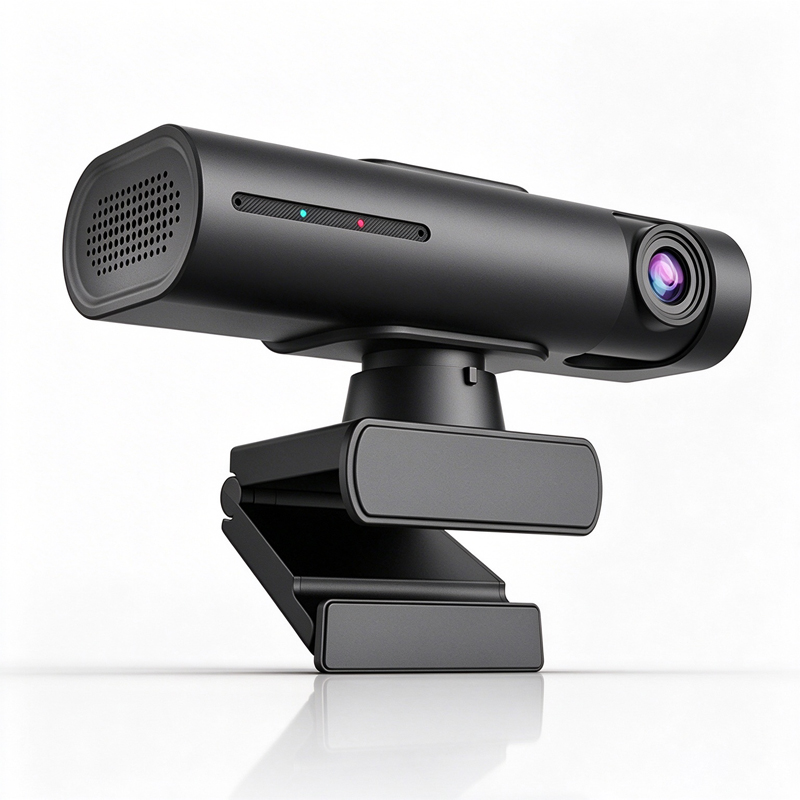
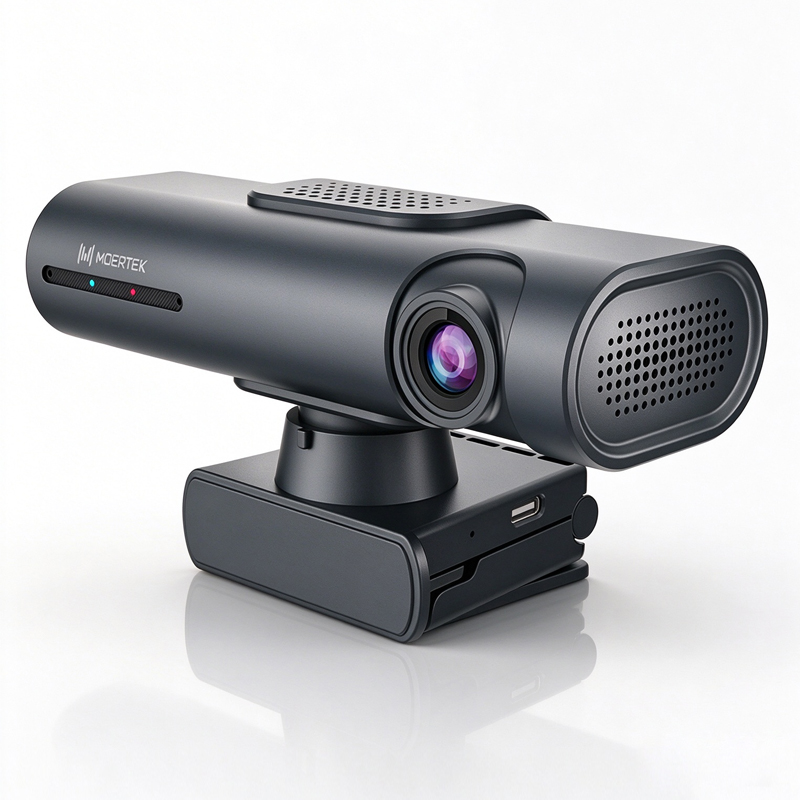
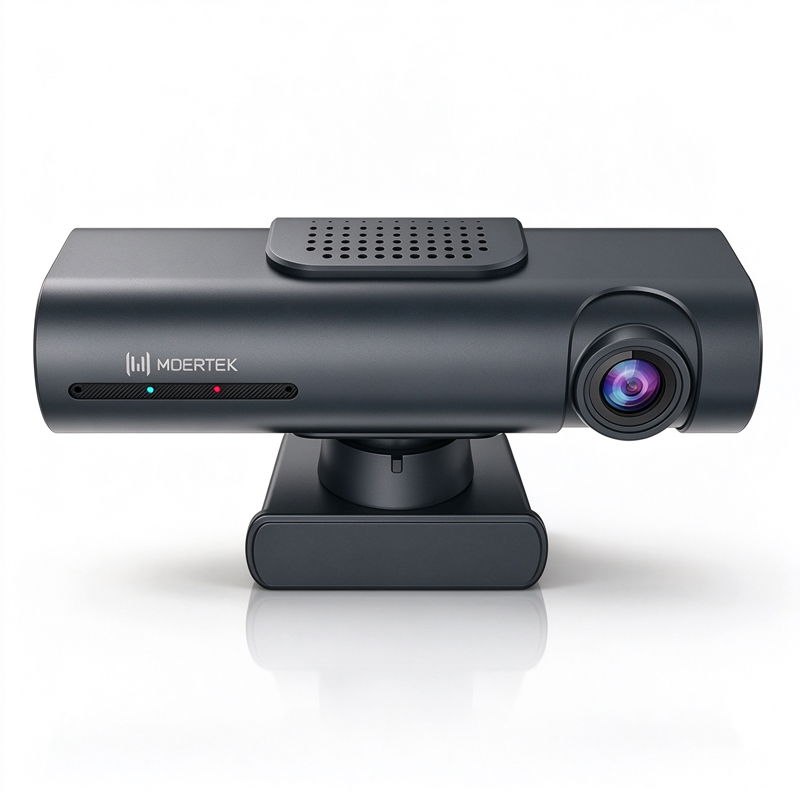
PTZ webcams  are advanced video conferencing  tools that offer  remote  pan, tilt, and  zoom  capabilities, making  them an essential component for businesses focusing on effective  communication. Buyers often  grapple with concerns  around product quality, specifications, and installation  requirements. This  article  provides manufacturers and purchasing  managers  with  insights  into  selecting the right PTZ webcam, understanding installation  practices, and evaluating the applications in  professional environments.

What Every Buyer Should Know

What Every Buyer Should Know

Before  purchasing a PTZ webcam, buyers should familiarize  themselves with key specifications that affect performance. Important features include resolution,  frame rate, and field of view. For example, a 4K resolution ensures high  image clarity,  which  is critical for professional environments, while a frame rate of 30 fps or higher is recommended for smooth video  playback.

Understanding the connectivity options  is also essential.  Most PTZ webcams support USB, HDMI, and sometimes IP streaming, which can influence compatibility  with  existing systems. Buyers should verify that  the chosen  webcam  integrates seamlessly with their video conferencing software or hardware  setup.

Another factor to consider is the auto-tracking feature, which  utilizes AI technology to keep subjects in frame during meetings. This feature is particularly beneficial in  educational and corporate settings, where presenters may move around. Confirming the effectiveness  of  this technology through product demonstrations or user reviews  can enhance purchasing confidence.

Installation Guidance for PTZ Webcams in Professional Settings

Installation Guidance for PTZ Webcams in Professional Settings

Proper installation of PTZ webcams can significantly  impact their performance and usability. Start by assessing the installation  location to ensure optimal video capture. The camera  should be positioned  at eye level for the best viewing  angle, and sufficient lighting conditions should be in place  to enhance video quality.

When  installing the webcam, consider using wall brackets or  mounts that can support the  camera's weight and allow  for pan and tilt adjustments.  It’s advisable  to test the  camera’s range of motion before finalizing the installation. For models with remote control, ensure that the control  unit is easily  accessible to the user.


Networking is another critical aspect of installation. If the webcam supports IP streaming, ensure that the  network bandwidth is adequate to  handle high-definition video without lag. Testing the  connection and video quality before the first use can help identify and rectify potential issues.

 
Applications of PTZ Webcams in Education and Corporate Environments

Applications of PTZ Webcams in Education and Corporate Environments

PTZ webcams are versatile  tools that find applications in  various sectors, particularly in education and corporate environments.  In educational settings, these cameras facilitate remote learning  by providing high-quality  video feeds during lectures and presentations. The ability to zoom in on a whiteboard  or a  speaker allows for  a  more engaging learning experience and can help students feel connected regardless of their location.

In corporate environments, PTZ webcams enhance video conferencing, making remote meetings more effective. Features like auto-tracking ensure  that the focus remains on the speaker, improving engagement and communication. They are also beneficial for webinars  and virtual events, where professional presentation quality is paramount. For those looking to enhance their streaming capabilities, exploring a Live streaming system can also be advantageous.

Additionally, in telemedicine, PTZ webcams enable healthcare  professionals  to conduct remote consultations with clarity and detail,  making them  invaluable  in today's  digital health landscape. Understanding  these applications can guide purchasing decisions  based on the specific needs of  the organization.

Advantages of Advanced Features in PTZ Webcams for Distributors

For distributors, offering PTZ webcams with advanced features can set their  product  offerings apart in a competitive market. Features such as AI auto-tracking, noise reduction, and high-resolution video capabilities  not only enhance user experience but also provide a selling point for end-users looking for quality and reliability.

The noise reduction feature, for example, improves audio quality during  video calls, which is particularly important  in noisy environments. This capability can be a significant differentiator when competing against lower-end models that lack such  technology.

Additionally, understanding the customization capabilities  of PTZ webcams  can help distributors cater to specific market demands. For instance, offering branding options or custom configurations  can attract businesses seeking unique solutions.  By leveraging these advanced features and customization options,  distributors can enhance their market presence and customer  satisfaction, ultimately driving sales.


Selecting the right PTZ webcam  involves understanding  technical  specifications, installation practices, and application scenarios.  Buyers should focus on reliable suppliers with robust  quality control processes and consider the advanced features that enhance usability  in professional settings. By following these guidelines, organizations can make informed purchasing decisions that align with their communication  needs.

Where to Find Reliable Suppliers for PTZ Webcams and Accessories

When  sourcing PTZ webcams, it’s crucial to partner with suppliers who have proven manufacturing capabilities and a strong quality  control process. Start by looking for manufacturers with certifications like CE, FCC, and RoHS,  which indicate  compliance with international safety and environmental standards. These certifications not only ensure product quality but also facilitate smoother import processes. In addition, consider suppliers who offer a comprehensive BYOM system to enhance your video conferencing experience.

Trade shows and  industry expos are excellent  venues for discovering reputable suppliers, as they allow  for direct interaction and the  opportunity to evaluate product samples. Additionally, online B2B platforms can provide access to a wide  range of manufacturers, but due diligence is necessary. Check for reviews, request product specifications, and inquire about the supplier’s  production capacity and lead  times. Establishing a long-term relationship  with  a supplier that offers  customization capabilities can  also enhance your  procurement strategy,  allowing you  to tailor products  to specific  needs.

Frequently Asked Questions

What is the PTZ Webcam's video resolution?

The PTZ Webcam supports up to 4K resolution for crisp video suitable for conferences, telemedicine, and education.
Yes, the PTZ Webcam features AI auto-tracking to follow subjects smoothly during meetings and lectures.
It integrates with array microphones and advanced noise reduction for clear, professional audio capture.
Our PTZ Webcam meets CE, FCC, and RoHS certifications, ensuring regulatory compliance for global deployment.
Moertek provides OEM/ODM services, customization, and technical support for enterprise, education, and telemedicine deployments.

Get a Free Quote

Our representative will contact you soon.
0/1000