Choosing the Right HD 1080p Web Camera for Business

application/web-camera-hd-1080p, application/web-camera-hd-1080p, 
Inquiry
Inquiry

web camera hd 1080p

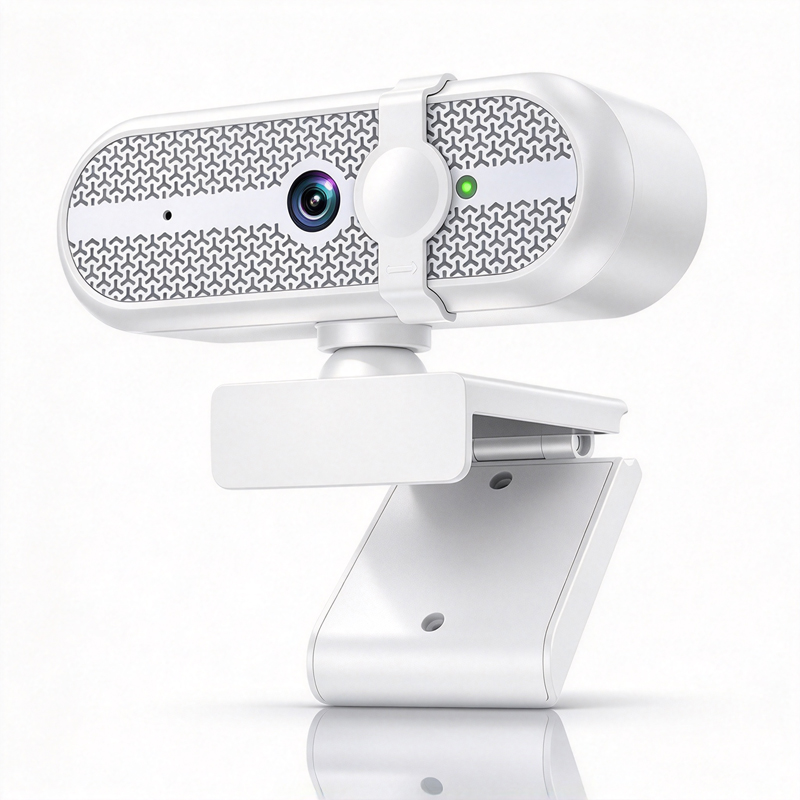
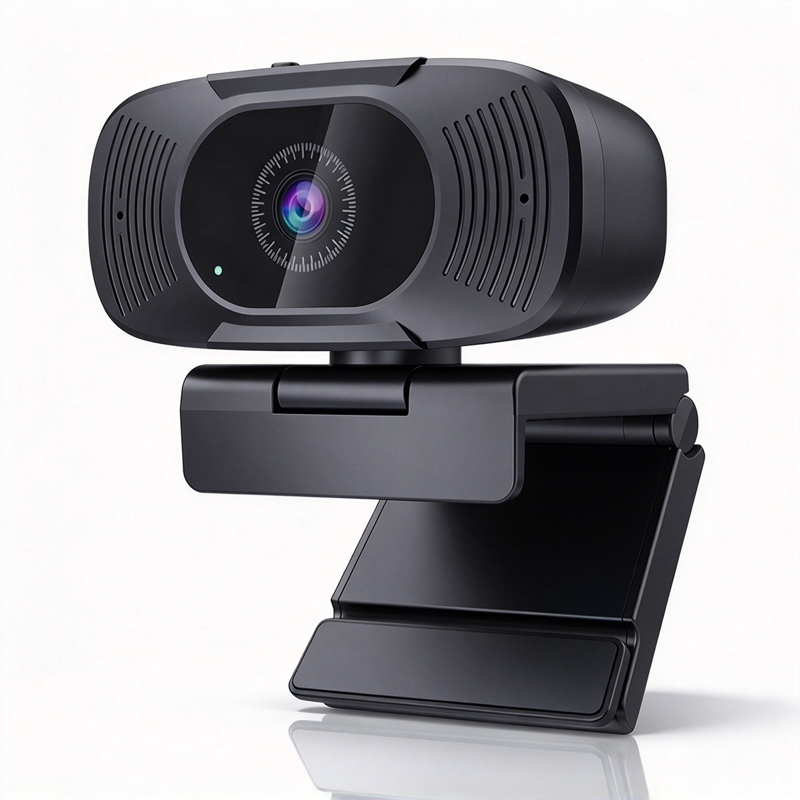
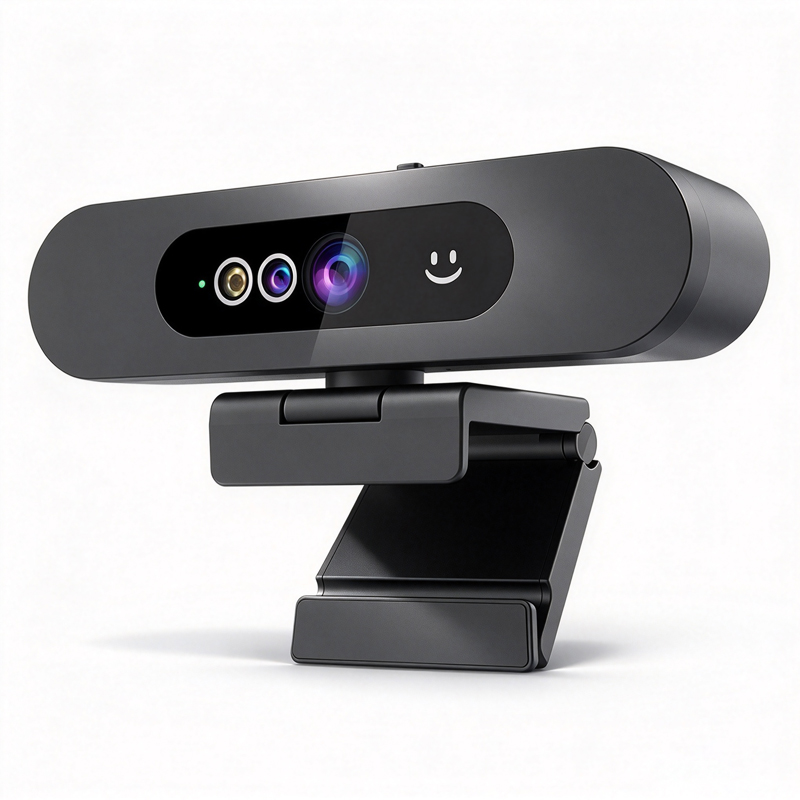
In the evolving landscape of remote  communication,  choosing the right web camera is critical  for ensuring clear and effective interactions. The HD  1080p web camera  stands  out as a  popular choice for businesses aiming  to  enhance their virtual meetings, presentations, and  collaborations. This article will guide purchasing managers and decision-makers  through the essential considerations when  selecting  an HD 1080p web  camera, including  specifications, cost factors, installation guidance, and common issues, to  help you  make  an informed  purchasing  decision.

Key Specifications to Evaluate in HD 1080p Web Cameras

Key Specifications to Evaluate in HD 1080p Web Cameras

Several  key specifications should be  evaluated when  choosing an HD 1080p web camera.

Resolution and Frame  Rate: While all HD 1080p  cameras provide  a resolution of 1920 x 1080 pixels, the frame  rate can vary. A  higher frame rate  (30 fps or more) ensures smoother video, which is important for dynamic  presentations.

Lens and Field of  View:  The  lens type and field of view (FOV) are crucial. A wider FOV (greater than  90 degrees) is ideal for conference settings, capturing more participants  without requiring multiple cameras.

Auto-Focus and Low-Light Performance: Cameras with auto-focus capabilities adjust  quickly to changing scenes, while those with enhanced low-light performance  ensure clarity  in less-than-ideal lighting conditions.

Connectivity Options: USB connectivity is common, but some cameras may offer wireless capabilities or support for specific video conferencing platforms. Ensure compatibility  with your existing systems.

Audio Quality: Integrated microphones should provide clear audio. For  larger spaces, consider models compatible with external microphones for improved sound quality, such as the Conference Speakerphone.

Cost Factors to Consider When Purchasing HD 1080p Web Cameras

Cost Factors to Consider When Purchasing HD 1080p Web Cameras

Cost is  often a primary concern for B2B buyers.  Prices for HD 1080p  web cameras can vary significantly based on features  and brand reputation. Key factors influencing  cost include:


Features and Technology: Cameras  with advanced features like AI auto-tracking or superior low-light performance may  carry a premium.  Assess whether these features align with your business needs to justify the investment.

Volume Discounts: Many manufacturers, including those like Moertek, offer volume discounts for bulk purchases.  Understanding your organization’s needs can help in negotiating better pricing.

Warranty and  Support:  Consider the  warranty period and support options. A higher upfront cost  may be justified by extended support, ensuring your investment  is protected over time.

Customization  Options: If your organization  requires specific features or branding, custom models may incur additional  costs but can  provide tailored solutions that align with your  brand identity.

Installation Guidance for Effective Use of HD 1080p Web Cameras

Installation Guidance for Effective Use of HD 1080p Web Cameras

Proper installation is crucial for  maximizing the performance of HD 1080p web cameras. Here are some practical guidelines:


Placement: Position the camera at eye level to create a natural  viewing  angle. This helps in engaging participants as it mimics face-to-face interaction.

Lighting: Ensure that the camera is placed in a well-lit  area. Natural light is  preferable; however, soft artificial lighting can also enhance video quality by reducing shadows.

Testing and Calibration: After  installation, conduct a test run  to  check  the  camera’s angle, focus, and audio quality. This will help identify any adjustments needed  before  important meetings.


Integration with Software: Ensure the camera is  compatible  with your preferred video conferencing software. Familiarize yourself with the  software  settings to utilize the  camera’s features  effectively.

Common Problems with HD 1080p Web Cameras and Their Solutions

Despite  their advantages, users may  encounter common issues with HD 1080p  web cameras. Here are some potential problems  and solutions:

Poor Video Quality: If the video quality is subpar, check the camera’s  resolution settings and ensure the connection (USB or wireless) is stable.  Testing on different devices can help isolate  the issue.

Audio Issues: Audio problems  can arise from microphone placement or  software  settings. Ensure  the microphone is unobstructed, and check  audio input settings  in your conferencing software.

Compatibility Problems: Some cameras  may not be compatible with all operating systems or software. Always verify compatibility before purchase and consider reaching out to the manufacturer for guidance.

Overheating: Extended use can lead  to overheating in  some models. Ensure proper ventilation around the camera and consider using it in shorter sessions  or providing breaks.

By understanding these common issues, businesses  can proactively address potential problems, ensuring a smooth  experience during virtual interactions.

Selecting the right HD 1080p web camera for your business involves careful consideration of specifications, costs, and practical usage factors. By following the guidance provided , purchasing managers  and decision-makers can make informed choices that enhance their organization’s communication capabilities.

Choosing the Right HD 1080p Web Camera for Your Business Needs

When selecting an HD 1080p  web camera, businesses should  first consider their specific use cases. Whether for video  conferencing,  streaming, or recording, the right camera can significantly  impact the quality of communication. For instance, conference rooms require cameras with wide-angle  lenses to capture all participants, while individual setups  may  benefit from compact  designs that provide  high-quality video without excessive  bulk. Investing in a reliable Conference system can further enhance the overall experience.

Furthermore, consider additional features that suit your  business environment.  AI  auto-tracking  capabilities can be particularly beneficial for presentations, as they allow the camera to  focus on  the speaker, enhancing engagement during meetings. Noise reduction technology is also  crucial in noisy  environments, helping  to minimize distractions and maintain clear audio quality.

Frequently Asked Questions

What are the main features of the web camera HD 1080p?

The web camera HD 1080p offers Full HD 1080p resolution, AI-enhanced auto-tracking, built-in noise reduction, plug-and-play USB connectivity, and compatibility with common conferencing platforms for clear video in meetings and telemedicine.
Yes. The camera supports standard UVC/UAC protocols and works with major conferencing apps, enabling easy integration into enterprise and education setups via USB or OEM/ODM customization.
Yes. It features AI-powered auto-tracking to follow speakers and advanced noise reduction for clearer audio when paired with compatible microphones or array microphone systems.
The product meets CE, FCC, and RoHS certifications, ensuring compliance with common international safety, electromagnetic, and hazardous material standards.
Absolutely. Moertek offers OEM/ODM customization including firmware, hardware, and integration with 4K conference cameras, array microphones, and audio amplifiers to meet enterprise and telemedicine requirements.

Get a Free Quote

Our representative will contact you soon.
0/1000