Choosing the Best Live HD Webcam for Your Business

application/live-hd-webcam, application/live-hd-webcam, 
Inquiry
Inquiry

live hd webcam

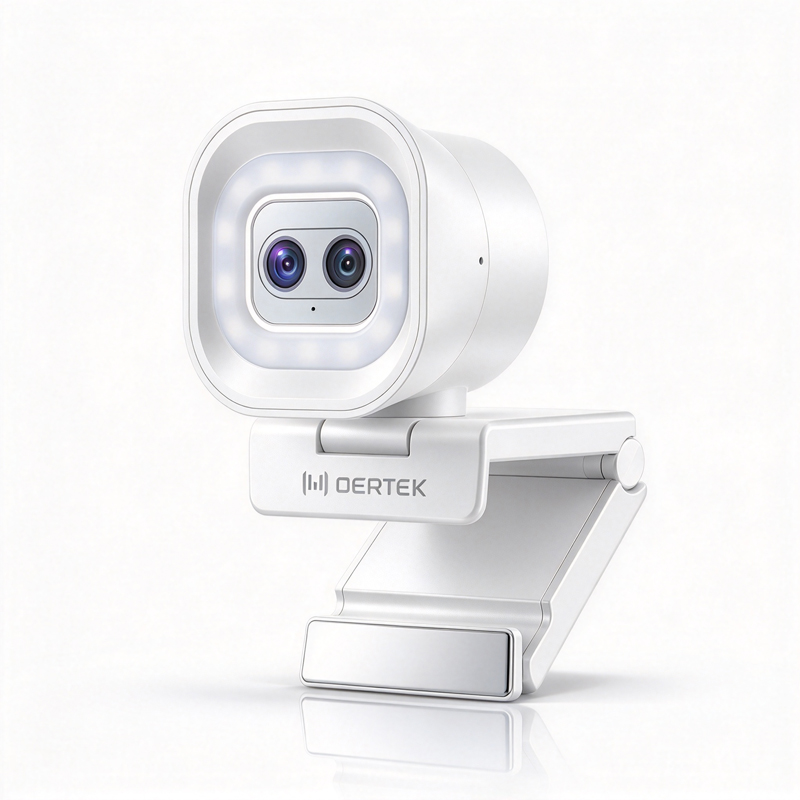
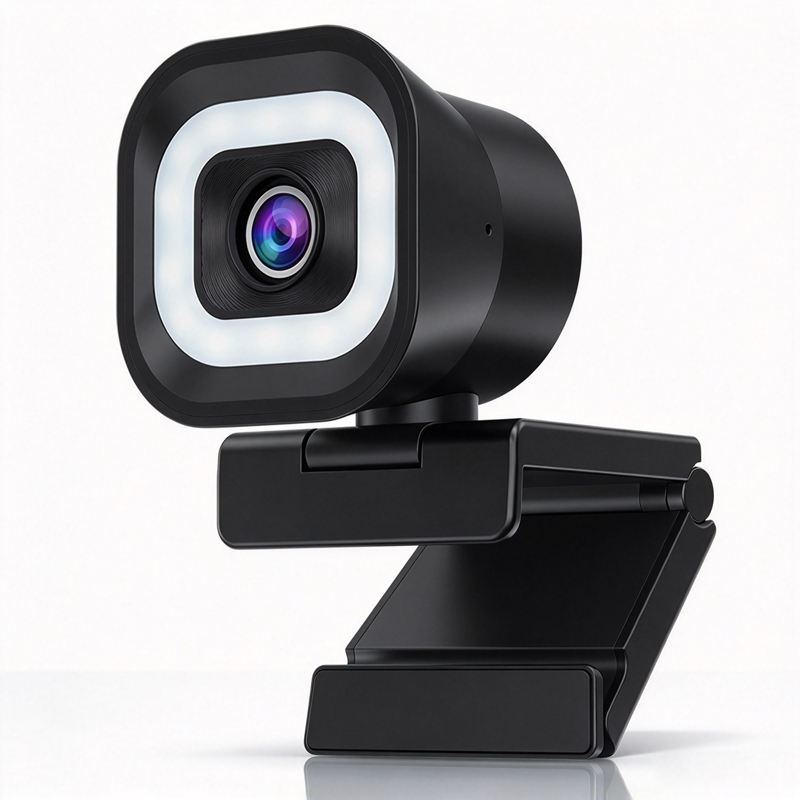
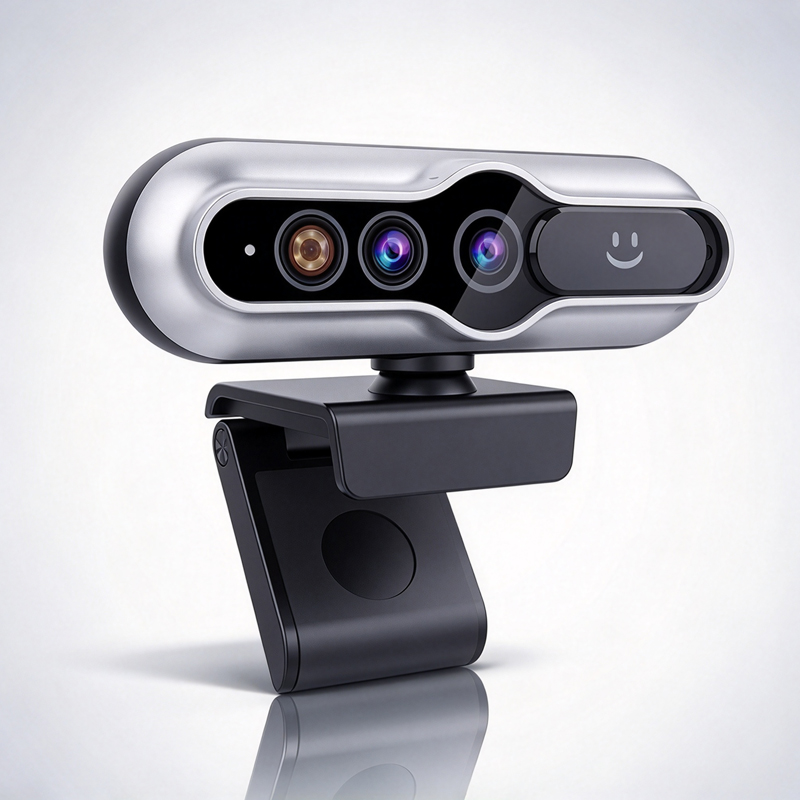
Choosing the right live HD webcam for your business can significantly enhance your  communication, whether  you're conducting remote meetings, online classes, or  telemedicine consultations. With the  increasing demand for high-quality video  conferencing solutions,  understanding the  specific  features and  requirements of live HD  webcams is  crucial  for B2B buyers, including purchasing managers  and IT professionals.  This article  aims  to provide insights on selecting  the ideal live HD webcam,  considerations for sourcing, installation  guidance,  troubleshooting common issues, and comparing features for contracting projects.

Wholesale Sourcing Tips for Reliable Live HD Webcam Suppliers

Wholesale Sourcing Tips for Reliable Live HD Webcam Suppliers

When sourcing  live HD webcams  for your  business, reliability is key. Here are some  tips to ensure you find reputable suppliers:

Evaluate  Supplier Credentials: Look for suppliers with a proven track record in electronic manufacturing. Check their certifications and industry  reputation, as established manufacturers like Moertek often have rigorous quality control processes.

Request Samples: Before placing bulk orders,  request samples to assess the  product quality firsthand. This step  can help you verify performance specifications,  such as image clarity  and microphone effectiveness.

Understand Minimum Order Quantities (MOQ): Different suppliers have varying MOQs. Be clear about your needs and ensure that the supplier can accommodate your order volume without  compromising quality.

Assess Customization Capabilities:  If your project requires specific features or  branding, confirm that the supplier can offer customization options, such as unique  firmware  or design modifications.


Check for After-Sales Support: Reliable suppliers should  provide ongoing support, including warranty policies and technical assistance, to  help address any potential issues  post-purchase.

Installation Guidance for Optimal Performance of Live HD Webcams

Installation Guidance for Optimal Performance of Live HD Webcams

Proper installation is crucial to maximizing the performance of your live HD webcam.  Here are essential steps to  ensure optimal setup:


Location and  Mounting: Position the webcam at eye level for  the most natural interaction. Consider  using a tripod or wall mount, and ensure  that  it is stable and secure.

Lighting Conditions:  Good lighting can significantly enhance video quality. Position the webcam in a well-lit area and avoid direct sunlight or harsh lighting that can create shadows or glare.

Connectivity: Ensure that  your webcam is connected via a reliable USB  port and  that your internet connection is stable. High bandwidth is essential  for smooth video  streaming, particularly when using HD  or 4K resolutions.

Software Configuration:  Install any  necessary drivers and configure settings according to your preferred video conferencing  application. Test the webcam in advance to  adjust settings such as brightness and contrast for optimal performance.

Regular Maintenance: Regularly check for software updates and clean the lens to maintain video clarity and performance  over time.

Common Problems with Live HD Webcams and Their Solutions

Common Problems with Live HD Webcams and Their Solutions

Live HD  webcams, like any  technology, can encounter issues. Here are common problems and their solutions:

Poor  Video Quality: This  can  often be resolved by  checking your internet  connection and ensuring that the webcam  is set  to the correct  resolution in the software settings.

Audio Issues: If the audio is unclear or not working, ensure that the correct  microphone is selected in your settings and check for any physical obstructions.


Compatibility Errors: If the webcam isn’t recognized by your system, try using a  different  USB  port or updating your drivers. Always check compatibility before purchase.

Overheating: If the webcam frequently overheats,  ensure adequate ventilation and avoid prolonged use without breaks.

Disconnection Problems: Frequent disconnections may indicate a  faulty  cable or port.  Try a different  cable or port, and if problems persist, consider reaching out to the supplier for support.

Comparing Live HD Webcam Features for Contracting Projects

When working on contracting  projects, comparing the features of different live HD webcams can help in making the right choice. Here are some critical features  to compare:

Resolution and Frame  Rate: Compare models based  on their maximum resolution and frame rate capabilities. A frame  rate of 30 fps is standard, but higher rates may be necessary for specific applications.

Auto-Focus and  Zoom Features: While some webcams offer fixed focus, others  provide auto-focus and digital zoom capabilities, which  can be beneficial  for detailed presentations.

Field of View and Lens Type: Evaluate  the lens type  (wide-angle  vs. standard) and field of view. A wider lens can accommodate more participants, which is essential for large meetings.

Audio Technology: Consider models  with  advanced audio features, such as echo cancellation and noise suppression, which can enhance the overall communication experience.

Integration Features: Look for webcams that offer easy integration with various software platforms, as this can drastically reduce setup  time and complexity.

By  understanding these features and  considerations, B2B buyers can make informed decisions when selecting live HD webcams  tailored for their specific business needs, ensuring they  enhance communication and collaboration effectively.


What to Consider When Choosing a Live HD Webcam for Your Business

When selecting  a live HD webcam, there are several key factors to evaluate to  ensure it meets your business's specific needs:

Resolution and Image Quality: Look for webcams that offer at least 1080p  resolution, as higher  pixel counts  result in clearer video. Some models even provide  4K options, which  can be beneficial for high-stakes presentations or  detailed visual work.

Field of View (FoV): Depending on the size of  your meeting room or the number  of participants, a wider FoV can capture more participants in a single frame. Typically, a FoV of 90-120 degrees  is ideal for conference settings.

Microphone Quality:  Integrated microphones should have noise reduction capabilities to filter background sounds, ensuring clear audio during  conversations. Look for models that  mention array microphones or have external mic support for enhanced audio quality.

Compatibility: Ensure that  the  webcam  is compatible with your operating systems and video conferencing platforms. This compatibility can prevent potential integration issues during meetings.

AI Features: Consider webcams with AI auto-tracking technology. This feature allows the camera to follow the speaker, ensuring that the focus  remains  on the active participant, which is beneficial in dynamic meeting environments.

Certifications  and Compliance: It’s important to check if the webcam complies with necessary certifications like CE, FCC, and RoHS, especially if you are sourcing products for global markets.

Frequently Asked Questions

What resolution does the Live HD Webcam support?

Our Live HD Webcam supports up to 4K resolution for crisp video quality, optimized for conferencing, streaming, and telemedicine.
Yes. The webcam features AI auto-tracking to keep speakers centered and improve meeting dynamics without manual adjustment.
Yes. Integrated noise reduction and array microphone support minimize background sounds for clearer audio during calls.
Yes. The Live HD Webcam complies with CE, FCC, and RoHS standards, meeting international safety and environmental requirements.
Yes. Moertek provides OEM/ODM services and tailored solutions for enterprises, education, and telemedicine with R&D and manufacturing support.

Get a Free Quote

Our representative will contact you soon.
0/1000