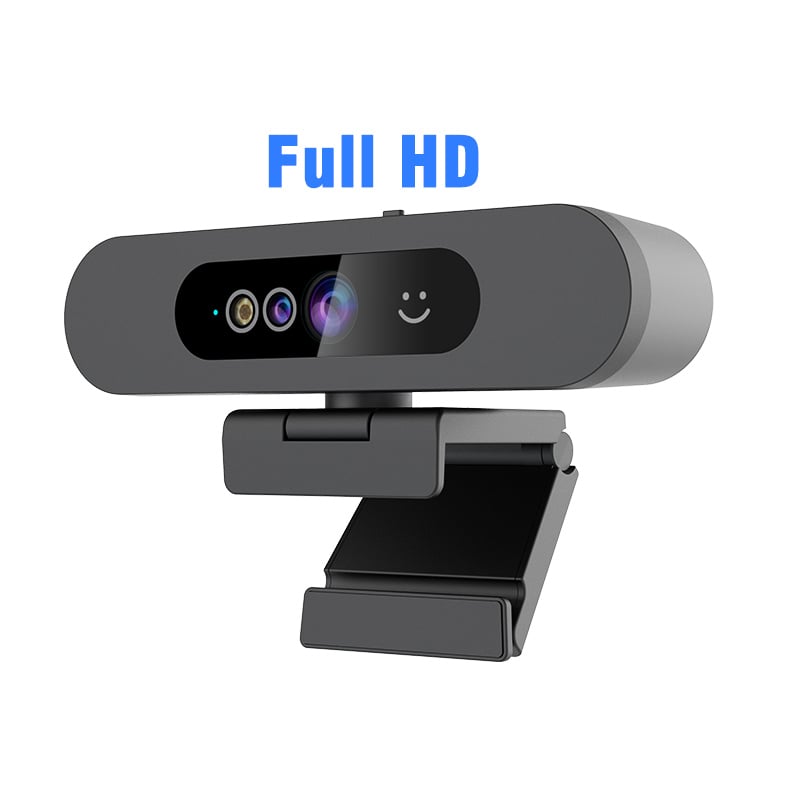
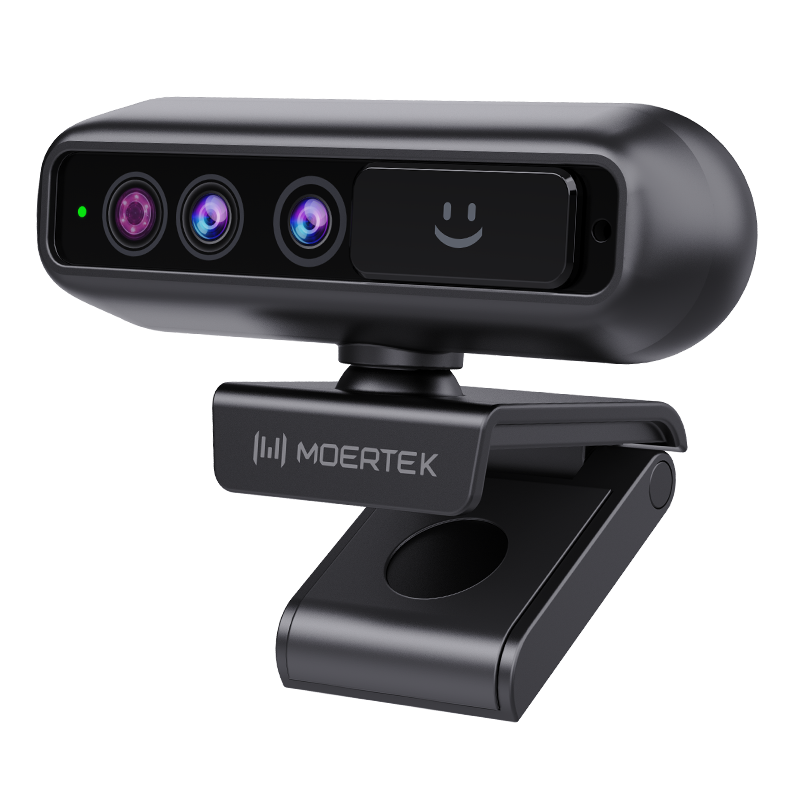
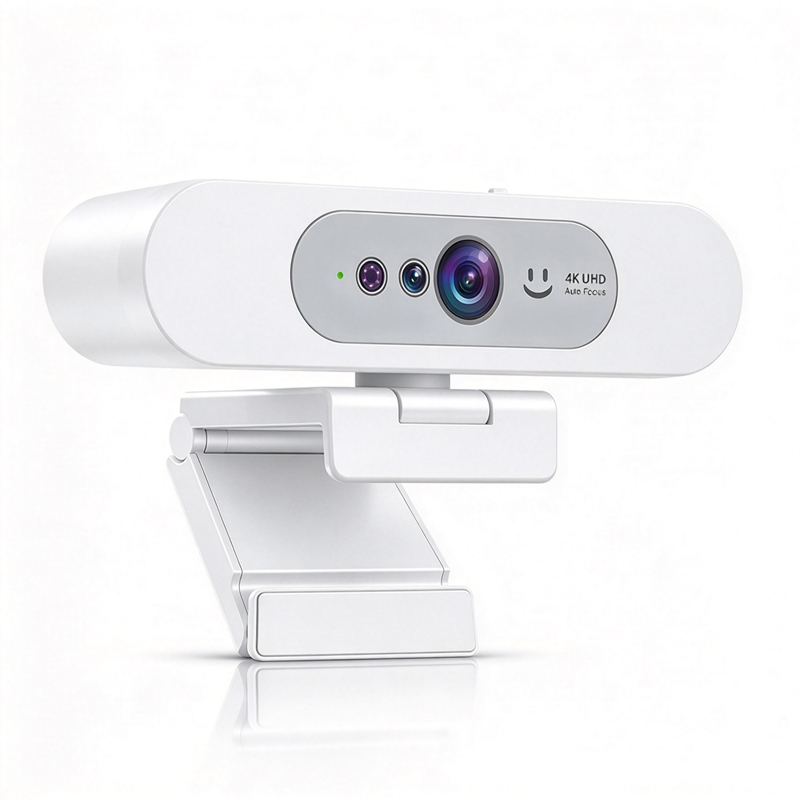
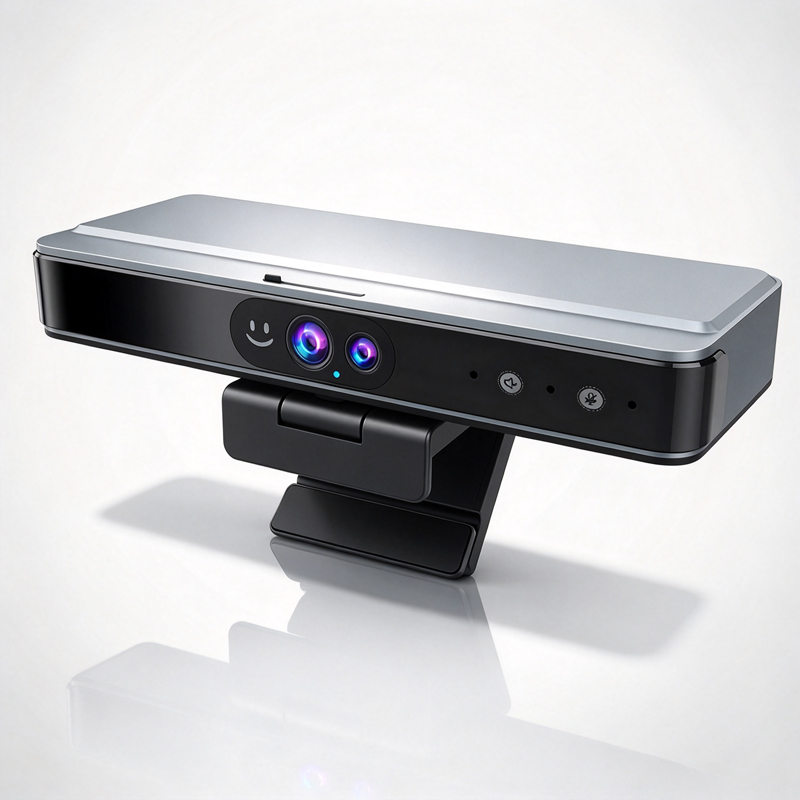
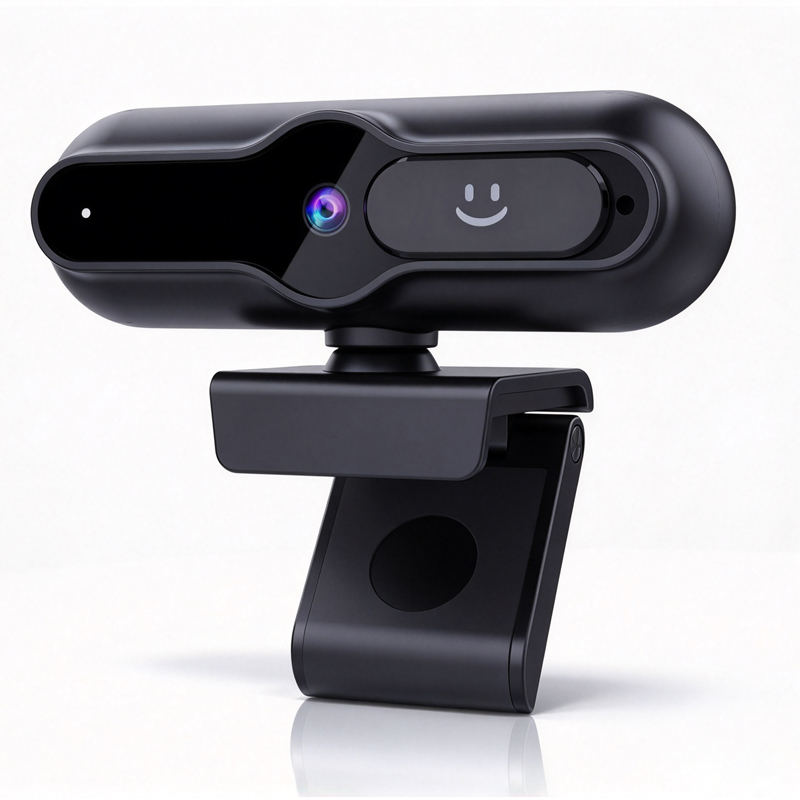
Choosing the Right Webcam for Windows Hello Integration

application/windows-hello-with-webcam, application/windows-hello-with-webcam, 
Inquiry
Inquiry

Windows hello with webcam

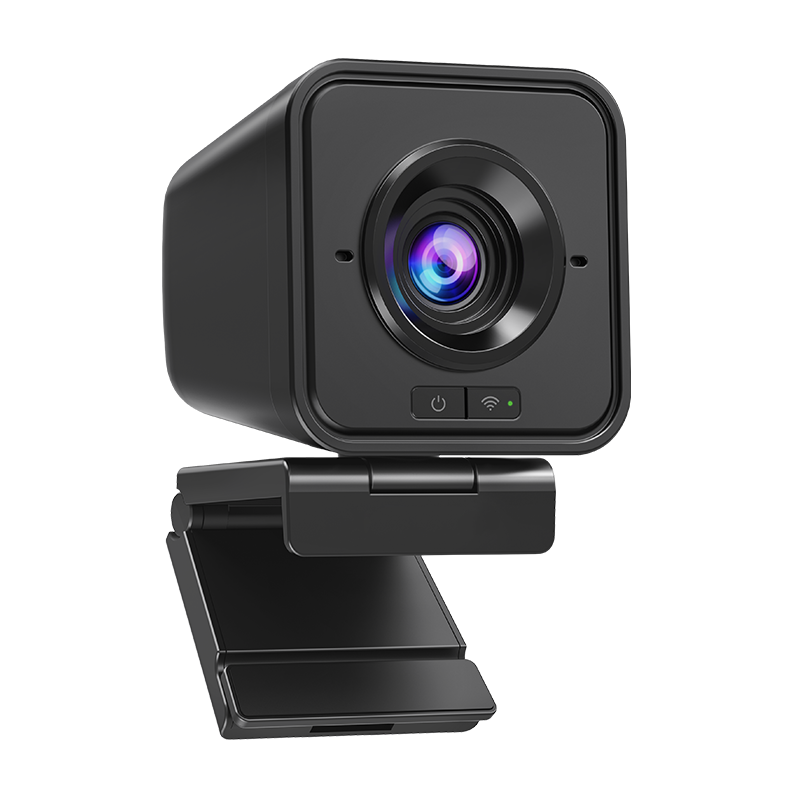
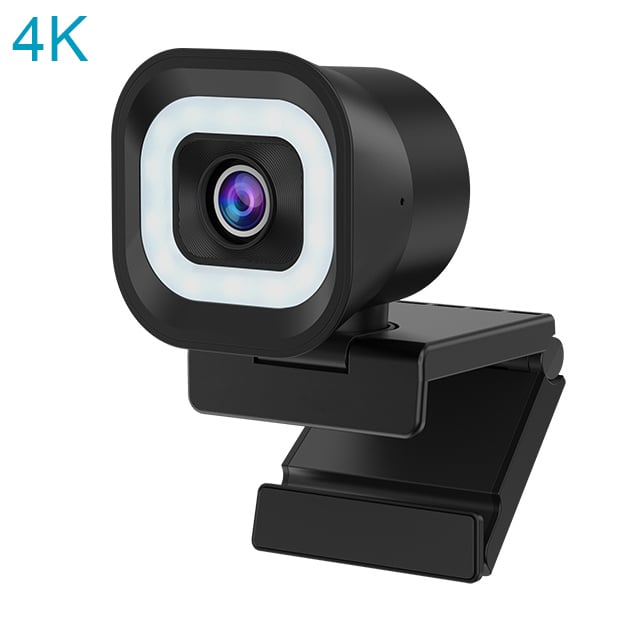
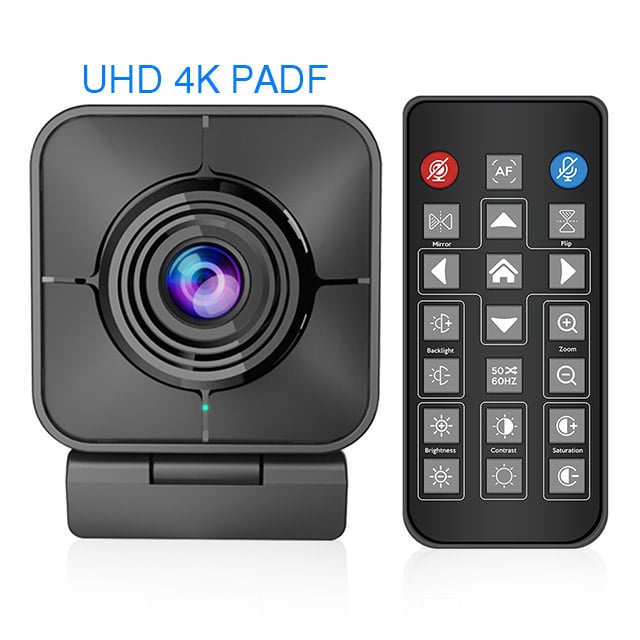
In the evolving landscape of business technology, integrating advanced security features such as Windows Hello with webcam capabilities has become essential. Windows Hello provides a password-less sign-in option that enhances security and convenience through facial recognition. For B2B buyers, particularly in enterprises and education sectors, the primary concerns include compatibility, performance, and reliability of the webcam used for this integration. This article will guide you on selecting the right USB webcam for Windows Hello, explore its applications in business settings, outline key features and benefits, ensure reliable performance, and provide installation tips for a seamless setup. This article about windows hello with webcam will explain things aboutt it for you to easily understand. 

Top Applications of Windows Hello with Webcam in Business Settings

Top Applications of Windows Hello with Webcam in Business Settings

Windows Hello with webcam technology finds utility across various business settings. In enterprise environments, it enhances security by replacing traditional passwords with biometric authentication, significantly reducing the risk of unauthorized access. This product can be used in many applications. 

In educational institutions, this technology facilitates secure logins for students and staff, ensuring that sensitive information remains protected. Telemedicine is another growing application; healthcare providers can use Windows Hello to protect patient data while enabling a streamlined login process for both practitioners and patients. This product is also made with high-quality materials to ensure its efficiency and functionality. 

Moreover, integrating Windows Hello with conference cameras enhances virtual collaboration, allowing users to join meetings quickly and securely, thereby improving productivity. The AI capabilities in modern webcams, such as auto-tracking and noise reduction, further enhance the experience, ensuring clarity and focus during virtual interactions.

Features and Benefits for Buyers

Features and Benefits for Buyers

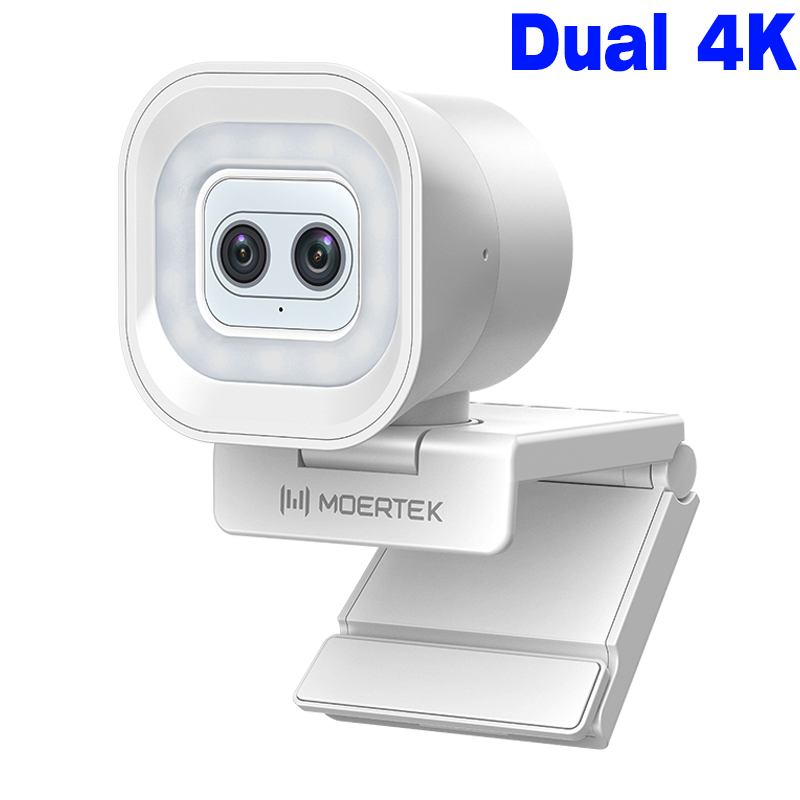
When evaluating webcams for moertek Windows Hello integration, buyers should focus on several key features and their corresponding benefits: 

Facial Recognition: High-quality IR cameras enhance security through accurate facial recognition, ensuring that only authorized users can access sensitive applications. 

High Resolution: A minimum of 1080p ensures clear video quality for meetings, which is crucial for professional settings. 

AI Auto-Tracking: This feature allows the camera to follow the speaker in a conference room, providing a more engaging experience for remote participants. 

Noise Reduction: Advanced microphones can filter out background noise, which is particularly beneficial in open office environments or classrooms. 

Certifications: Look for webcams that have CE, FCC, and RoHS certifications, indicating compliance with safety and environmental standards. 

By selecting a Wireless Webcam with these features, buyers can ensure they are investing in a product that enhances user experience while maintaining high security and performance standards. 

Ensuring Reliable Performance in Webcams

Ensuring Reliable Performance in Webcams

To guarantee the reliable performance of webcams used for Windows Hello integration, it's essential to consider several factors: 

Quality Control: Evaluate the manufacturer's quality control processes. A manufacturer with robust quality assurance protocols will help ensure that each unit meets specified performance standards. 

Testing under Real-World Conditions: Before mass production, it’s advisable to test samples in actual operating environments. This helps in assessing how the webcam performs under various lighting and sound conditions. 

Customization Capabilities: If your business has specific needs, ensure the manufacturer can accommodate custom features or modifications to optimize performance for your applications. 

Ongoing Support and Maintenance: Consider suppliers who offer ongoing technical support, which can be critical for troubleshooting and ensuring continued performance after installation. 

By focusing on these aspects, buyers can mitigate risks associated with webcam performance and ensure a smooth integration with Windows Hello. 

Installation Tips for Seamless Windows Hello Webcam Setup

Proper installation is crucial for maximizing the capabilities of your webcam with Windows Hello. Here are some essential tips: 

Ensure Compatibility: Before installation, confirm that the webcam is compatible with your operating system and that all necessary drivers are installed. 

Optimal Positioning: Position the webcam at eye level and ensure it has a clear view of the user’s face. This positioning enhances facial recognition accuracy. 

Lighting Conditions: Ensure adequate lighting in the installation environment. Poor lighting can hinder facial recognition performance, so consider using additional soft light sources if necessary. 

Testing the Setup: Once installed, run a series of tests to verify that Windows Hello recognizes the user’s face under different conditions. This can help identify any potential issues before full deployment. 

Monitor Performance: After installation, regularly monitor the webcam's performance and user feedback to address any issues promptly. 

By following these tips, you can facilitate a smooth installation process, ensuring that your moertek webcam functions effectively with Windows Hello for optimal security and user experience.

How to Choose the Right Webcam for Windows Hello Integration

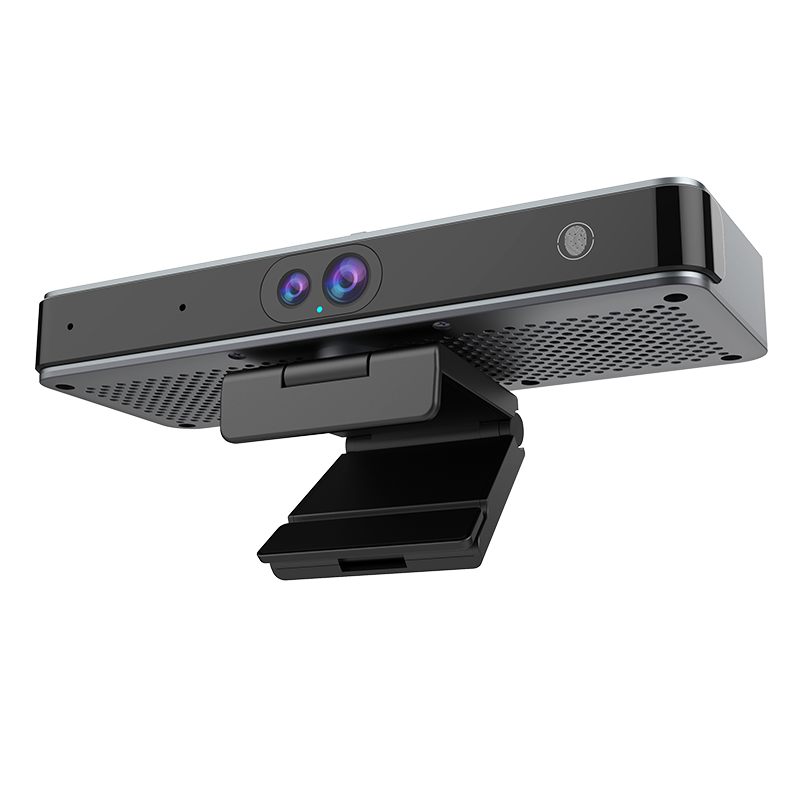
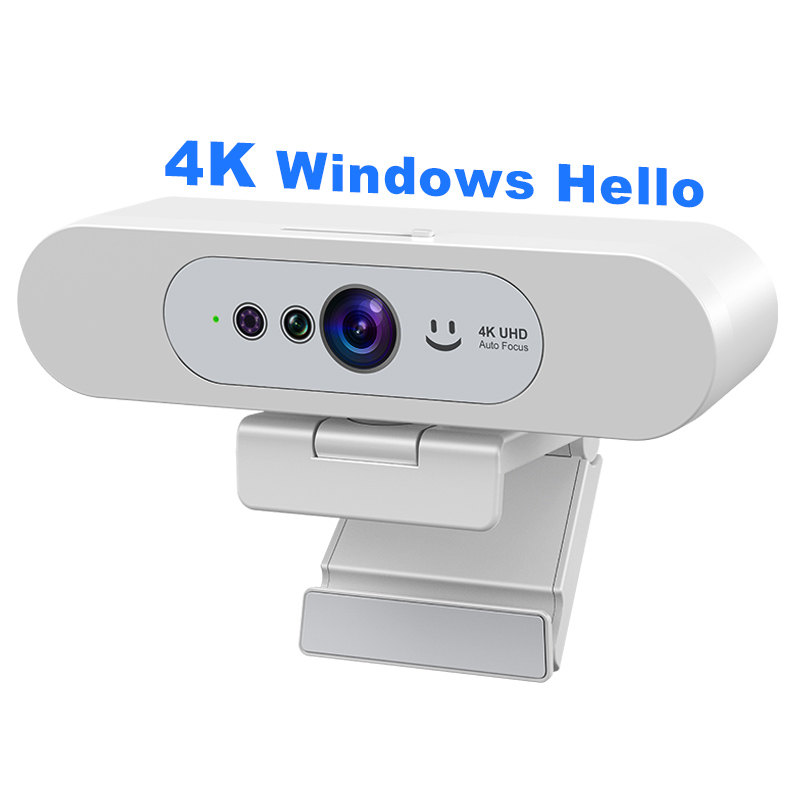
Selecting a webcam for moertek Windows Hello integration involves evaluating several critical factors. First, ensure the webcam supports Windows Hello's facial recognition technology, which typically requires a certain quality of hardware, including infrared (IR) capabilities for accurate facial detection in various lighting conditions. 

Resolution is another key element; a 1080p or 4K resolution is recommended for clear image capture. Additionally, consider the field of view (FOV) — a wider FOV can capture more participants in a conference setting, making it suitable for meetings or classrooms. Choosing the right product is so easy if you trust on our brand. 

Finally, assess the Windows Hello Webcam compatibility with your existing software and hardware infrastructure. Confirm that it meets the requirements set forth by Windows Hello and is capable of seamless integration with your operating system, as well as any enterprise software you may be using.

Frequently Asked Questions

Does the webcam support Windows Hello facial recognition?

Yes. The webcam is compatible with Windows Hello, enabling secure facial recognition login on supported Windows devices with quick and reliable authentication.
It supports up to 4K resolution with AI-enhanced imaging for clear, sharp video suited to conferencing, education, and telemedicine applications.
Yes. The built-in AI auto-tracking follows speakers smoothly to keep participants centered, improving engagement in meetings and lectures.
The webcam pairs with array microphones and audio amplifiers for clear voice pickup and noise reduction, delivering better audio for conferences and telemedicine.
Moertek products carry CE, FCC, and RoHS certifications and are available for OEM/ODM integration into enterprise, education, and telemedicine systems.

Get a Free Quote

Our representative will contact you soon.
0/1000