Choosing the Best Wireless Video Conferencing Camera

application/Wireless-Video-Conferencing-Camera, application/Wireless-Video-Conferencing-Camera, 
Inquiry
Inquiry

Wireless Video Conferencing Camera

Wireless  video conferencing cameras have  become  essential tools for businesses, educational institutions,  and telemedicine  providers, enabling seamless communication and collaboration across distances. As B2B  buyers, purchasing managers, and technical decision-makers, your primary concerns  often revolve around product specifications, reliability,  and  the suitability of  these  cameras  for different environments. This article will  guide  you through essential considerations when selecting and  evaluating wireless video  conferencing cameras, ensuring that you make informed decisions  that  meet  your organization's  specific needs.

How to Choose the Right Wireless Video Conferencing Camera Supplier

How to Choose the Right Wireless Video Conferencing Camera Supplier

Selecting  a reliable  supplier for your wireless video conferencing camera  needs is critical to ensuring quality and support. Here are key factors to consider:

Manufacturing Experience: Look for suppliers with a strong background  in manufacturing video conferencing  equipment.  Companies like Moertek,  which specialize in 4K conference cameras and audio solutions, demonstrate  expertise  and reliability.

Customization Capabilities: Determine whether the supplier can accommodate specific customization  requests. This might  include adjustments in technology, design, or packaging to fit your organization's unique needs.

Quality  Control Processes: Investigate the supplier's quality control measures. A reputable supplier should  have rigorous testing protocols in place to ensure that each camera meets specified  performance standards before shipping.

Technical Support and Warranty: Evaluate the after-sales support and warranty offered. A good supplier should provide comprehensive technical support and a  reasonable  warranty period to protect your investment.

Market Presence:  Research the supplier’s market presence and experience in your specific industry, whether it be enterprise, education, or  telemedicine. A supplier familiar with your sector can better understand your specific requirements.

By considering these factors, you  can select a supplier that not only provides  high-quality products but also aligns with your operational needs.

Evaluating the Quality of Wireless Video Conferencing Cameras

Evaluating the Quality of Wireless Video Conferencing Cameras

When assessing the quality  of wireless video conferencing cameras, consider the following aspects:

Build Quality: Examine the materials used in  the  camera's construction. High-quality materials  contribute to durability, especially in environments  where equipment may be frequently handled or  transported.

Performance in Different Conditions: Assess  the camera's performance under various lighting conditions.  Cameras that perform well in low-light environments are essential for  versatile usage across different  settings.

User Reviews and Case Studies: Look for  user feedback and case studies that provide insights into the camera’s performance in real-world applications. This information can reveal common  issues or strengths that may not be apparent from technical specifications alone.

Sample Testing: Before finalizing  a  purchase, request samples to evaluate the camera's performance firsthand. Testing under actual operating conditions allows you to verify image quality, audio clarity, and overall functionality.

Compliance with Industry Standards: Ensure that the camera complies with relevant industry standards, which can  be indicative of  its reliability and performance.

By systematically  evaluating these quality  indicators, you can make informed  decisions that enhance  your organization's communication capabilities.

Installation Guidance for Wireless Video Conferencing Camera Systems

Installation Guidance for Wireless Video Conferencing Camera Systems

Proper installation of wireless video conferencing cameras  is crucial  for optimal performance. Follow these  guidelines:

Positioning:  Mount the camera at eye level to ensure natural eye contact during meetings. The ideal distance should allow the camera to capture all participants while maintaining clear visibility of facial expressions.

Connectivity Setup: Ensure that the camera  is connected to a robust wireless network. Conduct a speed test to confirm that the network can  handle the data requirements  of high-resolution video streaming.

Integration with Other Systems:  If integrating with existing audio-visual systems, confirm compatibility with other devices,  such as microphones and  speakers. This may require adjustments to settings or additional adapters.

Testing: After installation, conduct a series of test calls to verify  that video and audio quality meet expectations. This testing phase is critical to identify any issues before the system goes live for regular use.

Documentation and Training: Provide users  with documentation on  how to operate the camera effectively,  including troubleshooting tips. Consider  training sessions to familiarize  staff with  the equipment and its features.

Following  these installation guidelines will help  ensure a seamless transition to using your new video conferencing system.

Common Problems and Solutions for Wireless Video Conferencing Cameras

Despite their advanced features, wireless  video conferencing cameras can encounter issues. Here  are common problems and practical  solutions:

Connectivity Issues:  If the camera frequently disconnects from the network, check the Wi-Fi signal strength in the installation area.  Consider relocating the camera closer to the  router or using a  Wi-Fi extender to boost signal strength.

Audio Quality Problems: If participants report poor audio quality, verify  that the microphone settings are correctly configured. Ensure that background noise reduction features are enabled and that  the camera's microphones are unobstructed.

Video Lag or Poor Resolution: If video  appears choppy or unclear, assess your internet bandwidth. High-definition video requires a stable and fast internet connection. If necessary, consider upgrading your internet plan or using a wired connection.

Camera Not Responding: If the camera does not respond to commands, check for firmware updates. Manufacturers often release updates to fix bugs and improve performance. Ensure that the camera is running the  latest  firmware.

User  Error: Many issues arise from user unfamiliarity. Offering training  sessions can mitigate many common problems,  ensuring that all users are equipped to operate the camera effectively.

By being aware  of these potential  problems and their solutions, you can maintain a  high-quality conferencing  experience and minimize  disruptions.

Key Specifications to Consider for Wireless Video Conferencing Cameras

When selecting a wireless video conferencing camera,  several  technical specifications significantly impact performance and  application  suitability:

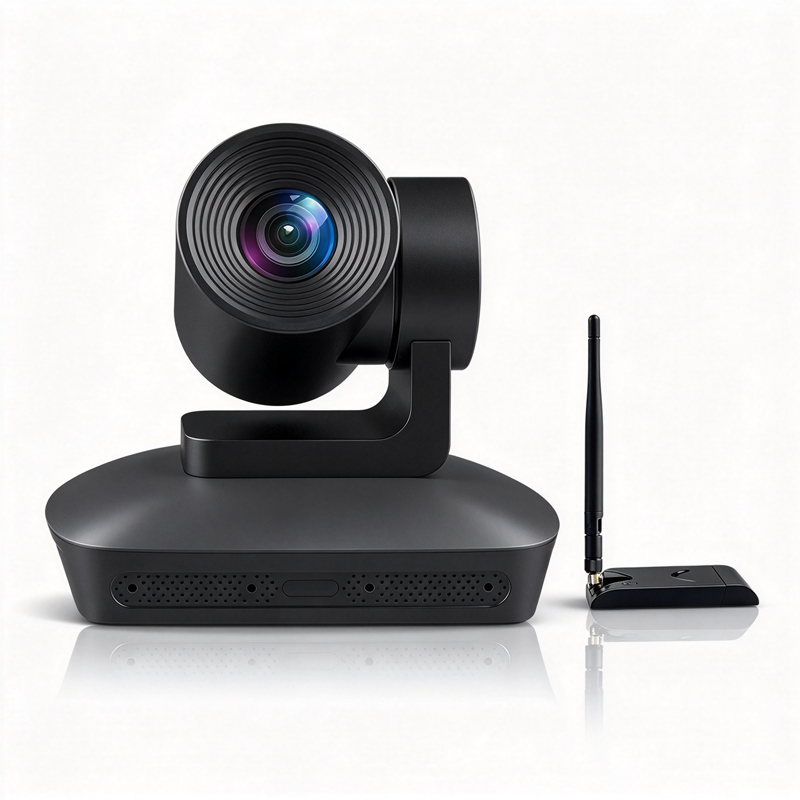
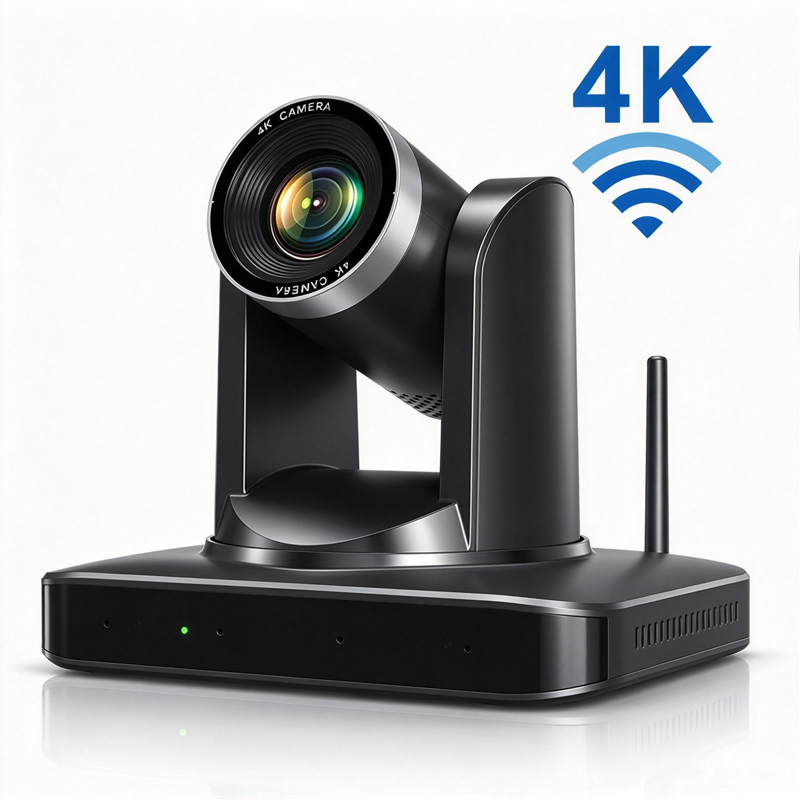
Resolution: The resolution of the camera, typically rated in megapixels, directly affects  image clarity. A 4K resolution is recommended for high-definition  video quality, ensuring that all participants can be seen clearly. This is particularly important in professional  settings where details matter, such as  presentations or technical discussions.

Field of View (FOV): The FOV determines how much of the room is captured in the frame. A wider FOV is beneficial for larger conference rooms, allowing all participants to be  included in the video feed without needing multiple  cameras.

Audio Quality: Integrated microphones  with noise reduction capabilities are essential for clear communication. Look for cameras that incorporate array microphones to capture sound from multiple directions, ensuring that voices are picked up clearly regardless of where participants are seated.

AI Auto-Tracking: Advanced models may feature AI auto-tracking, which automatically adjusts the camera's focus on  the  speaker, enhancing the viewer's experience by ensuring they are always in frame.

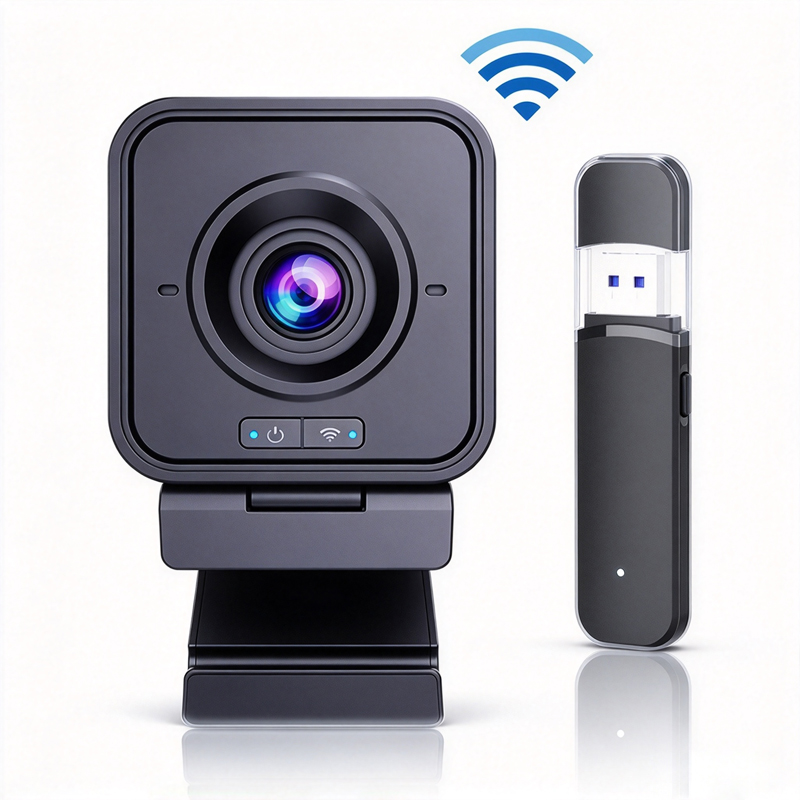
Connectivity Options: Ensure  that the camera supports various connectivity options, including Wi-Fi, Ethernet, and USB, to  facilitate easy integration with existing systems and flexibility in  setup.

Certifications: Compliance  with CE, FCC, and RoHS certifications is crucial for ensuring that the device meets international safety and environmental standards.

Understanding  these specifications will help  you determine which wireless video conferencing camera best meets your  operational requirements.

Frequently Asked Questions

What are the key features of the wireless video conferencing camera?

4K resolution, AI auto-tracking, array microphones, wireless connectivity, noise reduction, and compatibility with common conferencing platforms. CE/FCC/RoHS certified for enterprise, education, and telemedicine use.
The camera uses onboard AI to detect and follow speakers in the room, keeping them centered in frame. Tracking adjusts smoothly for movement and multiple participants without manual control.
Supports Wi-Fi and optional wireless USB dongle connection for plug-and-play operation. Designed for stable low-latency streaming in typical conference and classroom environments.
Yes. It’s designed for broad compatibility with standard video conferencing platforms and endpoints via USB, RTSP, or wireless streaming, enabling easy OEM/ODM integration.
Product has CE, FCC, and RoHS certifications. Moertek offers RD, manufacturing support, firmware customization, and OEM/ODM services for deployment and integration.

Get a Free Quote

Our representative will contact you soon.
0/1000