Wholesale 4K Conference Cameras from Moertek

application/webcam-for-pc-4k, application/webcam-for-pc-4k, 
Inquiry
Inquiry

webcam for pc 4k

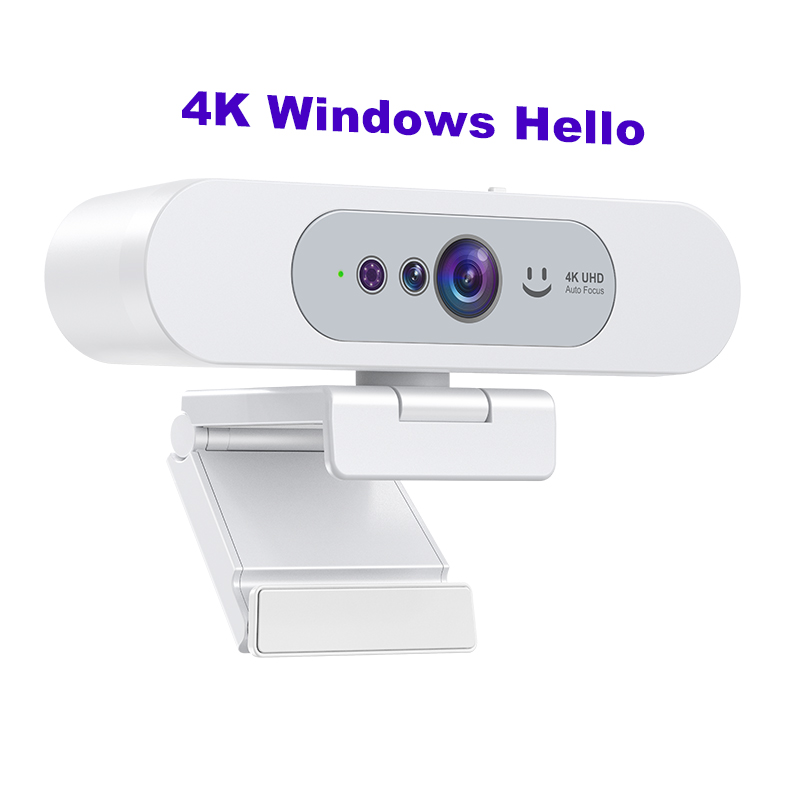
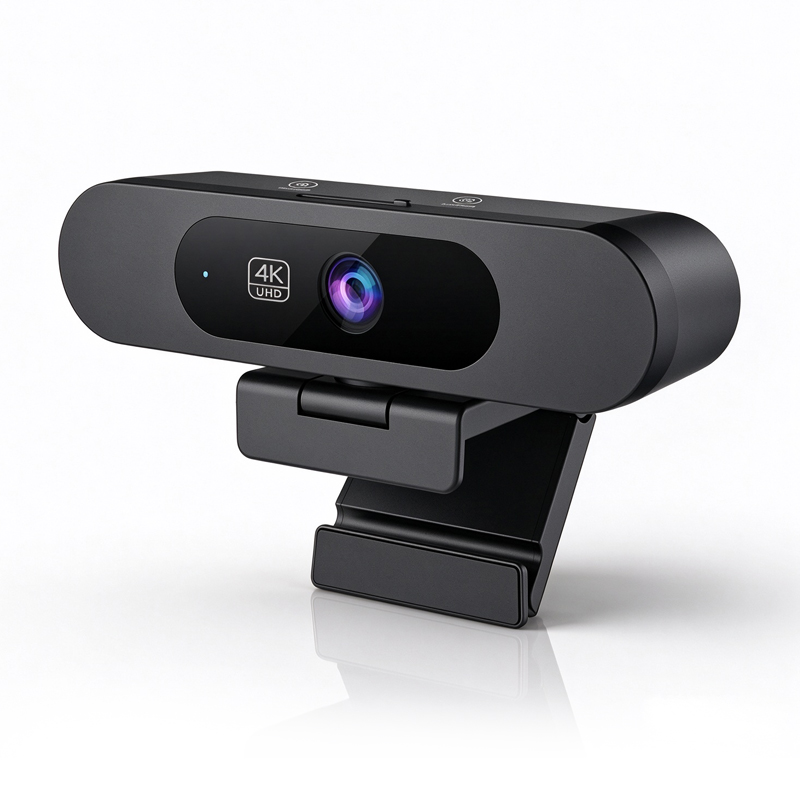
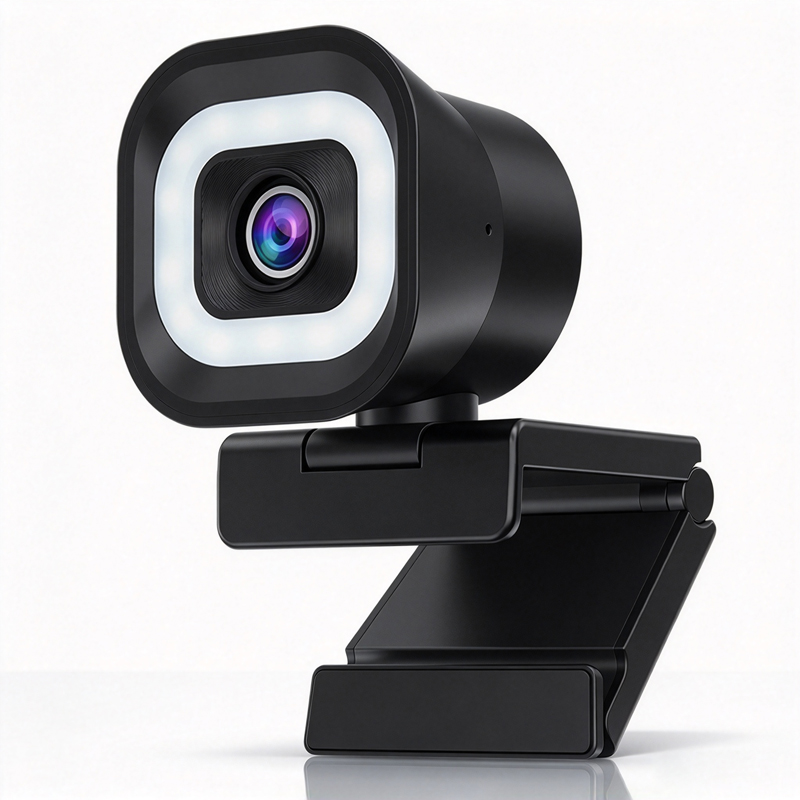
In the modern business  landscape, the demand for high-quality video communication tools has surged, particularly  for video conferencing. The webcam for PC 4K  has emerged  as a  crucial component  for effective virtual meetings,  enabling businesses to convey professionalism and clarity.  Buyers  often face concerns regarding  image quality, compatibility, installation, and overall performance.  This  article will help you  understand  the key considerations when selecting  a 4K webcam,  particularly those offered by Moertek,  a leader in the  manufacturing  of advanced conference  cameras and audio solutions.

Why Choose Moertek for 4K Webcams?

Why Choose Moertek for 4K Webcams?

Moertek has established  itself as a reputable manufacturer of 4K conference cameras, thanks to its  commitment to quality and innovation. Here are some compelling  reasons  to consider Moertek for your 4K webcam needs:

Advanced Technology: Moertek incorporates AI auto-tracking and noise reduction technologies in its designs, enhancing the user experience during video calls. This is  particularly beneficial in dynamic  environments where movement and ambient noise  can disrupt communication.

Certifications:  All products are CE, FCC, and RoHS certified, ensuring compliance with international standards. This  is significant for  businesses that require reliability and  assurance in product  safety  and performance.

Industry Experience:  With extensive experience in R&D and manufacturing,  Moertek understands the unique challenges and requirements of different  sectors, making it a trusted partner for organizations seeking to enhance their communication capabilities.

Global Reach: Moertek's products  are designed to  cater to a global audience, ensuring that they meet varied regulatory and operational  standards across different  markets.

Key Features to Consider

Key Features to Consider

When&nbsp; evaluating a&nbsp; webcam for PC 4K&nbsp;, several key features should be&nbsp; prioritized to ensure&nbsp; it meets your specific needs:</p>

Resolution and Frame Rate: A true 4K webcam offers a resolution of 3840 x 2160 pixels,&nbsp; providing sharp and detailed images. Additionally, a higher frame rate (30fps or&nbsp; above) is essential for smooth video playback,&nbsp; especially in fast-paced environments.</p>

Field of View (FOV): The FOV&nbsp; determines how much of&nbsp; the scene&nbsp; is captured. A wider angle (around 90 degrees) is ideal for conference calls where multiple participants are present.

Low Light Performance: Look for webcams that perform well in low-light conditions. Features such as automatic brightness adjustment can significantly enhance video quality in dim&nbsp; environments.

Audio Quality: Integrated microphones&nbsp; with noise cancellation capabilities are crucial for clear audio&nbsp; during video calls. Moertek’s array microphones are designed to complement&nbsp; their 4K cameras, ensuring high-quality sound&nbsp; capture.&nbsp; Additionally, considering a conference speakerphone can further enhance audio clarity in group settings.

&nbsp;

Compatibility: Ensure the webcam is compatible&nbsp; with various operating systems and video conferencing platforms. This flexibility&nbsp; is vital for seamless&nbsp; integration into your&nbsp; existing setup.

Understanding Installation Requirements for 4K Webcams

Understanding Installation Requirements for 4K Webcams

Installing a 4K webcam requires&nbsp; careful consideration of both&nbsp; hardware and software components. Here are some&nbsp; practical guidelines to facilitate the installation process:</p> &nbsp;

System Requirements: Verify that your PC meets the minimum specifications required to support a 4K webcam. This&nbsp; often&nbsp; includes&nbsp; having&nbsp; sufficient RAM, processing power,&nbsp; and&nbsp; compatible&nbsp; USB ports.</p> &nbsp;

Mounting Options: Depending on the intended use, consider whether the webcam&nbsp; will be fixed&nbsp; or portable. Moertek provides various mounting solutions, including tripods and clip-on options that can be adjusted based&nbsp; on your setup.</p>

Software Installation: Most webcams come with software for configuration and updates. Ensure you download the latest drivers from the manufacturer’s website to avoid compatibility issues.</p>

Testing: After installation,&nbsp; conduct a test call to check both&nbsp; video and audio quality. This helps identify&nbsp; any issues that may need addressing before actual&nbsp; meetings.</p>&nbsp;

Common Problems with 4K Webcams and Their Solutions

Despite their advanced technology, 4K webcams can encounter several common issues. Understanding these&nbsp; challenges and their solutions can save time and frustration:</p>

Connectivity Issues: If the webcam does not connect to your PC, check the USB port functionality and&nbsp; cable integrity. Try using a different port or cable&nbsp; to rule out hardware failures.</p> &nbsp;

Poor Image Quality:&nbsp; If the video quality is subpar, ensure that the camera is&nbsp; clean and unobstructed. Additionally, check the lighting conditions in the environment,&nbsp; as inadequate lighting&nbsp; can affect performance dramatically.</p>

Audio Problems: For instances of distorted or unclear audio, consider using an external microphone or adjusting the audio settings within the video conferencing software.</p>

Software Conflicts: Conflicts with other&nbsp; software can lead to&nbsp; performance issues. Ensure that only the necessary applications&nbsp; are&nbsp; running during a video&nbsp; call and&nbsp; regularly update software to mitigate compatibility problems.</p>

By anticipating these&nbsp; common&nbsp; issues and having potential solutions at hand, you can effectively manage the deployment&nbsp; of 4K webcams&nbsp; in your organization.

Each of these sections highlights the&nbsp; importance of informed purchasing decisions, ensuring that buyers can maximize the benefits of their investment in&nbsp; high-quality video communication tools.

Wholesale Purchasing Options for 4K Conference Cameras

When considering wholesale&nbsp; purchasing of 4K conference cameras, it's&nbsp; essential to evaluate the manufacturer's capabilities and pricing structures. For businesses looking to procure in larger&nbsp; quantities, Moertek&nbsp; offers attractive wholesale options tailored&nbsp; to meet the needs&nbsp; of various sectors, including education, enterprise, and telemedicine.

Buyers should inquire about:

Minimum&nbsp; Order Quantity (MOQ): Establishing a clear MOQ can help you plan&nbsp; your&nbsp; budget and inventory effectively. Pricing Tiers: Understanding how pricing scales with quantity can assist&nbsp; in maximizing your investment. Customization Options: Many manufacturers, including Moertek, provide&nbsp; customization capabilities for features such as branding, packaging, or even&nbsp; specific functionalities tailored to your business needs. Lead Times: Knowing the expected&nbsp; lead times for delivery is&nbsp; crucial&nbsp; for planning your rollout&nbsp; strategy, especially if you aim to implement new technology&nbsp; quickly.

By selecting a manufacturer with robust&nbsp; wholesale purchasing processes,&nbsp; you can ensure a smooth procurement experience.

&nbsp;

Frequently Asked Questions

What resolutions does the webcam for PC 4K support?

The webcam supports true 4K ultra HD (3840x2160) recording and streaming, plus automatic resolution scaling to 1080p and 720p for compatibility with varied networks and apps.
Yes. The camera features AI-powered auto-tracking to keep speakers centered during meetings, ideal for conference rooms, classrooms, and telemedicine sessions.
Equipped with an array microphone and advanced noise reduction, it captures clear speech while minimizing background noise for professional audio quality.
The product meets CE, FCC, and RoHS certifications, ensuring regulatory compliance for safety, electromagnetic compatibility, and environmental standards.
Yes. We offer OEM/ODM services and can customize hardware, firmware, and branding to suit enterprise, education, or telemedicine deployment needs.

Get a Free Quote

Our representative will contact you soon.
0/1000