WDR Webcam: Key Specifications and Cost Factors

application/WDR-Webcam, application/WDR-Webcam, 
Inquiry
Inquiry

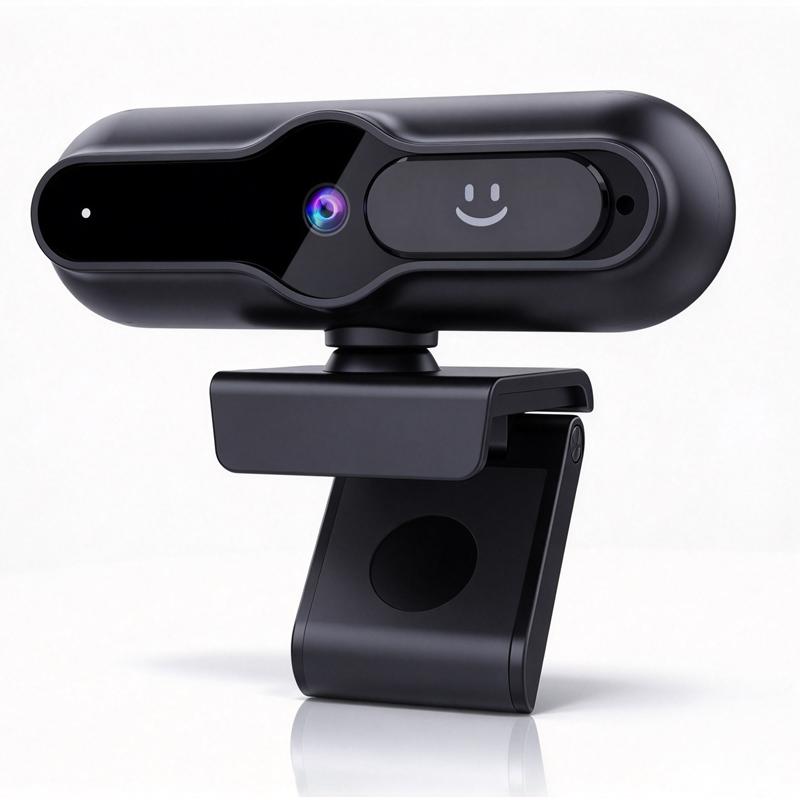
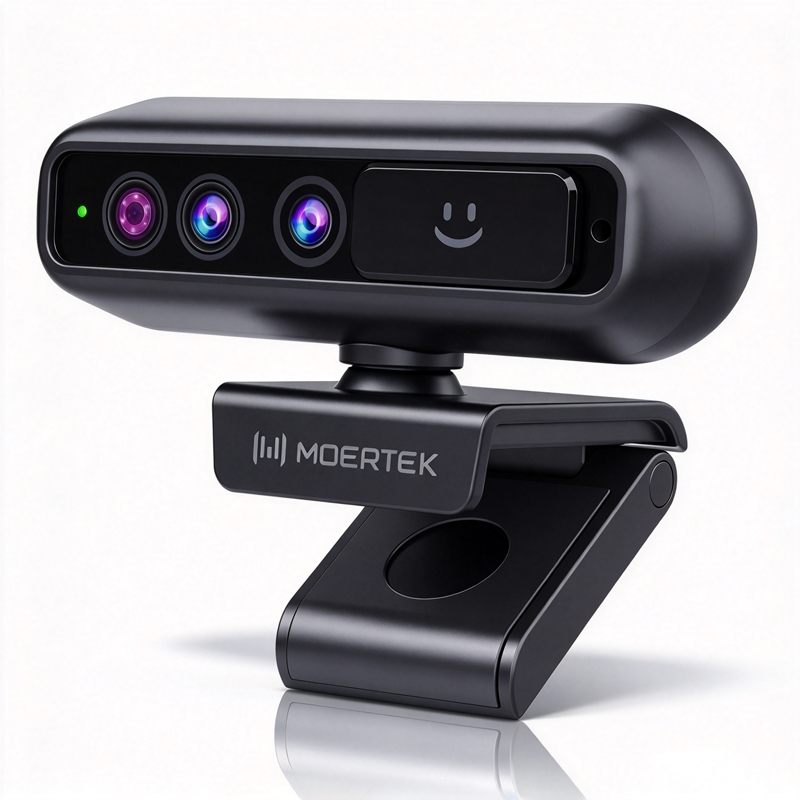
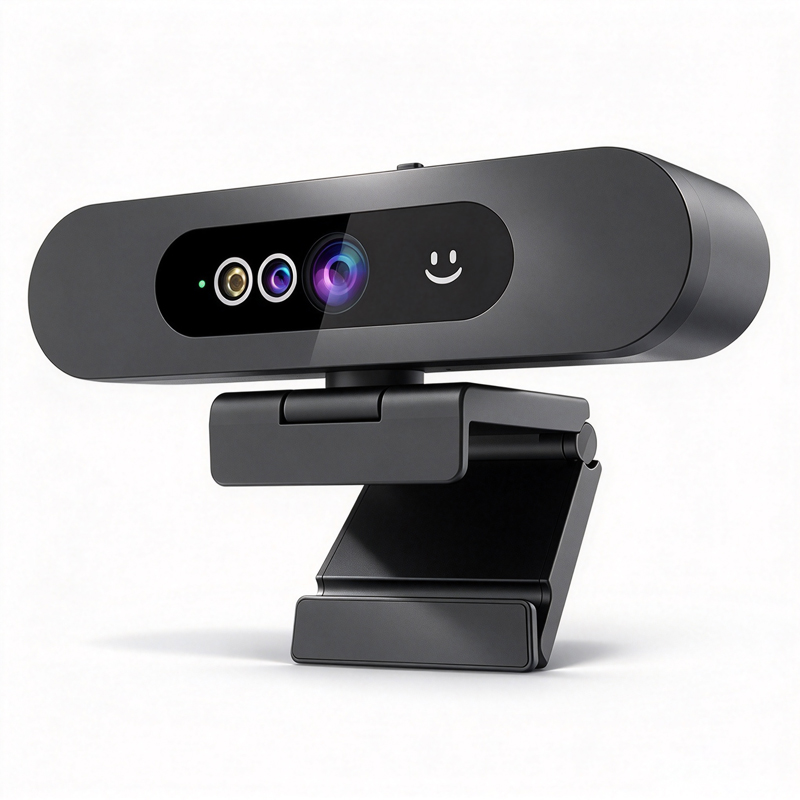
WDR Webcam

Understanding the specifications and applications of WDR webcams is crucial for B2B buyers looking to enhance their conferencing capabilities. WDR (Wide Dynamic Range) technology allows these webcams to perform optimally in varying lighting conditions, making them suitable for diverse environments, including corporate offices, educational institutions, and telemedicine facilities. This article will address key concerns for purchasing managers, distributors, and engineers, providing insights into technical specifications, cost factors, installation guidance, and the advantages of WDR webcam technology to help you make informed purchasing decisions.

Cost Factors to Consider When Buying WDR Webcams in Bulk

Cost Factors to Consider When Buying WDR Webcams in Bulk

When purchasing WDR webcams in bulk, several cost factors should be evaluated to optimize budget allocation and ensure value. Here are some key considerations:

Unit Price vs. Total Cost: While the unit price is a straightforward metric, buyers should also consider the total cost of ownership. This includes installation, maintenance, and potential compatibility issues with existing systems.

Minimum Order Quantity (MOQ): Manufacturers often have MOQs that can influence pricing. Understanding the MOQ can affect budget planning and inventory management. Companies should negotiate with suppliers to find a balance that meets their needs without incurring excessive costs.

Shipping and Handling Fees: Depending on the manufacturer’s location, shipping costs can vary significantly. It's essential to factor in these costs when calculating the total expense of acquiring WDR webcams.

Warranty and Support Services: A higher initial investment might be justified if the manufacturer provides extensive support and warranty services. This can save costs in the long run by reducing downtime and ensuring quick replacements in case of defects.

Customization Costs: If specific features or branding are required, customization can add to the overall expense. Buyers should weigh the benefits of customization against their budget and operational needs.

By keeping these factors in mind, buyers can make more informed financial decisions when acquiring WDR webcams.

Installation Guidance for WDR Webcams in Various Applications

Installation Guidance for WDR Webcams in Various Applications

Proper installation of WDR webcams is pivotal to maximizing their functionality across different environments. Here are some installation considerations for various applications:

Corporate Offices: In open office environments, consider mounting webcams on ceilings or walls to achieve optimal angles without obstructing sightlines. Ensure that the camera is placed away from direct light sources to prevent glare, which can impact video quality.

Educational Institutions: For classrooms, positioning the webcam at the front of the room ensures that all students are captured during lectures. Additionally, integrating the webcam with existing audiovisual equipment can enhance the learning experience.

Telemedicine: In telemedicine scenarios, positioning the webcam at eye level is crucial for patient interactions. This helps create a more personal connection and improves the quality of the consultation. Ensure that the webcam can connect seamlessly with medical software platforms.

Lighting Considerations: Regardless of the application, lighting plays a significant role in video quality. Utilize soft lighting to reduce harsh shadows and ensure even distribution of light in the area where the webcam is installed.

Network Connectivity: Ensure that the installation location has reliable internet access, preferably through wired connections to avoid latency issues during video calls.

By following these installation guidelines, companies can ensure that their WDR webcams deliver high-quality performance tailored to their specific environments.

Key Features for Distributors and Contractors

Key Features for Distributors and Contractors

For distributors and contractors, understanding the key features of WDR webcams is essential for effective marketing and sales strategies. Important features include:

AI Auto-Tracking: This feature automatically adjusts the camera’s focus and framing based on the movement of speakers within a room, enhancing the viewing experience during conferences and presentations.

Noise Reduction Technology: Advanced noise reduction capabilities ensure clear audio transmission by filtering out background noise, which is particularly useful in busy environments.

Compatibility: WDR webcams should be compatible with major conferencing platforms (e.g., Zoom, Microsoft Teams) and other hardware. This ensures that they can be easily integrated into existing setups without requiring additional technical adjustments.

Remote Management Capabilities: Features that allow remote configuration and monitoring can save time and resources for IT departments. This is especially valuable for large organizations or educational institutions with multiple devices.

Certification Compliance: Ensure that all products meet necessary certifications such as CE, FCC, and RoHS. This not only assures quality but also compliance with regulatory standards in various markets.

Focusing on these features can help distributors and contractors effectively communicate the value of WDR webcams to potential customers.

The Advantages of WDR Webcam Technology in Professional Settings

WDR webcam technology offers several advantages that make it an excellent choice for professional settings:

Enhanced Video Quality: The ability to capture clear images in challenging lighting conditions sets WDR webcams apart from standard models. This is particularly beneficial in environments with both bright and dark areas, ensuring consistent video quality.

Improved Collaboration: With AI auto-tracking and high-quality audio features, WDR webcams facilitate better collaboration among remote teams. This leads to more effective communication and engagement during virtual meetings or conferences.

Versatility Across Applications: WDR webcams are suitable for various applications, including corporate meetings, educational lectures, and telemedicine consultations. Their adaptability makes them a worthwhile investment for diverse sectors.

Cost-Effective Solution: While the initial investment may be higher than traditional webcams, the long-term benefits, such as reduced need for additional lighting and improved user experience, make WDR webcams a cost-effective choice.

Future-Proofing Technology: As video conferencing becomes increasingly integral to business operations, investing in advanced WDR technology prepares organizations for future needs, ensuring that they remain competitive.

Incorporating WDR webcams into your professional environment not only enhances the quality of communication but also supports the ongoing shift toward digital collaboration.

Understanding the Technical Specifications of WDR Webcams for Buyers

When evaluating WDR webcams, several technical specifications are critical to ensuring optimal performance for your specific use case. Key specifications include resolution, frame rate, lens type, and dynamic range capabilities.

Resolution: WDR webcams typically offer resolutions of at least 1080p (Full HD) and many now support 4K. Higher resolutions provide clearer images, which is vital during video conferences to capture details accurately.

Frame Rate: A higher frame rate (e.g., 30fps or 60fps) is essential for smooth video quality, especially in fast-paced environments. This is particularly important in educational settings where visual demonstrations are common.

Dynamic Range: The hallmark of WDR technology is its ability to capture details in both bright and dark areas of a scene. This is achieved through advanced image processing algorithms that adjust exposure settings in real-time. Buyers should look for webcams with a dynamic range of at least 120dB to ensure effective performance in varied lighting conditions.

Lens Type: The type of lens (fixed vs. varifocal) affects the field of view and adaptability. A varifocal lens allows for zooming, which can be beneficial in larger rooms where capturing participants from a distance is necessary.

Audio Integration: Many WDR webcams come with integrated microphones or compatibility with external audio solutions. Noise reduction features enhance audio clarity, which is essential in professional settings where communication is key.

Understanding these specifications will help buyers assess which WDR webcam aligns best with their operational needs.

Frequently Asked Questions

What is the WDR Webcam's main purpose?

The WDR Webcam is designed for high-quality video in conference, education, and telemedicine settings, offering wide dynamic range for clear images in varied lighting.
Yes. The webcam includes AI auto-tracking to keep speakers centered and maintain focus during movement, improving meeting flow.
It supports up to 4K resolution with WDR processing, ensuring balanced contrast and detail in bright and dark areas.
The webcam is plug-and-play with common conferencing software and supports USB connectivity for easy integration with PCs and systems.
Moertek products have CE, FCC, and RoHS certifications. OEM/ODM options and technical support are available for enterprise and education deployments.

Get a Free Quote

Our representative will contact you soon.
0/1000