Choosing the Right Webcam with Windows Hello Support

application/webcam-with-windows-hello-support, application/webcam-with-windows-hello-support, 
Inquiry
Inquiry

webcam with windows hello support

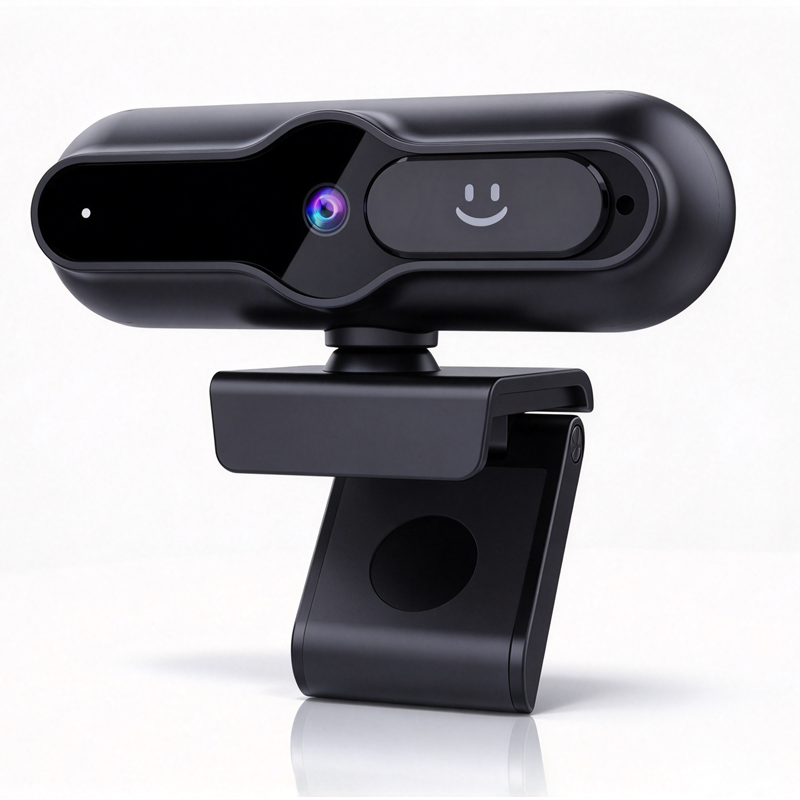
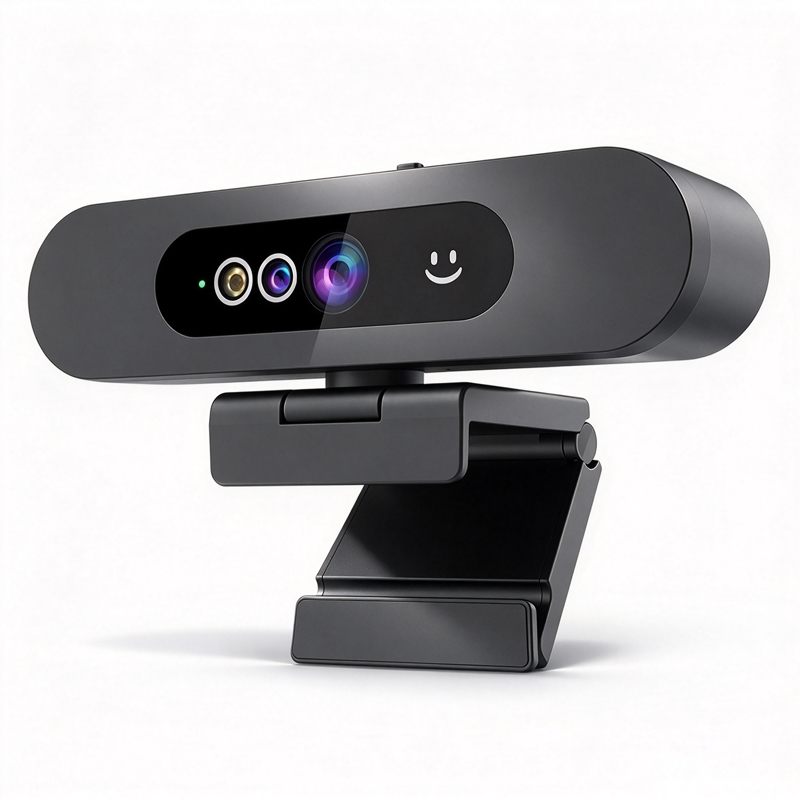
When selecting a  webcam with  Windows Hello  support, it's essential to consider  various factors that ensure compatibility and  performance  for your specific application needs. Windows  Hello  offers a secure and convenient way to log in  to Windows devices  using facial recognition technology, making it a valuable feature for enterprise, education,  and telemedicine sectors. This  article will  guide you through the  critical  specifications, evaluation  criteria, and common challenges  associated with Windows Hello-enabled webcams, empowering  you to make  informed  purchasing decisions.

Key Specifications to Consider in Windows Hello-Enabled Webcams

Key Specifications to Consider in Windows Hello-Enabled Webcams

When evaluating webcams with Windows Hello support, several key specifications should be at the forefront of your decision-making  process:

Resolution:  Choose  between 1080p, 4K, or higher resolutions based on your needs. Higher resolutions provide clearer images, which can be critical for professional settings.

Frame Rate: A minimum of 30  frames  per second (fps) is recommended for smooth video.  Higher frame rates ensure better motion capture,  especially in dynamic environments.

Field of View (FOV): A wider FOV can capture  more participants in group settings, making it ideal for conference rooms or classrooms.

Low Light  Performance: Evaluate the camera's ability to function effectively in various lighting conditions. Advanced models  often  include built-in features  to enhance low-light performance.

Microphone Quality: Integrated microphones  with  noise  cancellation are advantageous  for clear audio during calls.  

Compatibility: Ensure the webcam is compatible with Windows Hello and meets the necessary security standards to  facilitate facial recognition.

By carefully assessing these specifications, you can select a webcam  that not only supports Windows Hello but also enhances the overall  user experience.

How to Evaluate the Quality of Windows Hello Webcams for Bulk Orders

How to Evaluate the Quality of Windows Hello Webcams for Bulk Orders

When considering  bulk orders for Windows  Hello webcams, several evaluation criteria need to be  established to  ensure quality and reliability:

Sample Testing: Always request  samples before placing a  bulk order. Evaluate the sample's  performance under different conditions to ensure it meets quality standards.

Quality Control Processes: Investigate the manufacturer's quality assurance protocols. Look for certifications such as CE, FCC, and RoHS, which  indicate compliance with international safety and  environmental standards.

User Reviews and Case Studies: Gather feedback from existing users or case studies to  understand the webcam's  performance in real-world  applications.

Customization Options: Assess whether the manufacturer can accommodate  specific customization requests, such  as branding or packaging  modifications, that may  be important for your business.

After-Sales Support: Ensure that the supplier provides adequate technical support and warranty options, which  are crucial  for addressing any potential issues post-purchase.

By following  these evaluation steps, you can significantly reduce the risk of purchasing subpar products and ensure a smooth integration into your operations.

Common Problems with Windows Hello Webcams and Effective Solutions

Common Problems with Windows Hello Webcams and Effective Solutions

Even  the best webcams with Windows Hello support can  encounter issues. Here are some common  problems and their solutions:

Facial Recognition Failures: If the webcam has difficulty recognizing faces, ensure that it is positioned at the correct angle and distance.  Lighting can also affect  performance; a well-lit environment improves facial recognition accuracy.

Software Compatibility:  Ensure that the  webcam drivers  are up to date and compatible with the latest version of Windows. Check the manufacturer's website for the latest  software updates.

Connection Issues: If the webcam is not being recognized by the system, check the USB connection and ensure that the port is functioning correctly. Switching ports or testing with another device can help identify the issue.

Audio Quality Problems: For users experiencing poor audio  quality, consider using external microphones or ensuring  that the built-in microphone is unobstructed.

Low Light Performance:  If  the webcam struggles in  low light, look  for models specifically designed  with enhanced low-light capabilities  or consider  additional lighting solutions.

By proactively addressing these  common issues,  you can ensure a smoother experience with Windows Hello webcams in your organization.

Applications of Windows Hello Webcams in Enterprise and Education Sectors

Windows Hello webcams find significant applications in various sectors, particularly  in  enterprise and education:

Enterprise: In corporate settings, Windows Hello webcams  facilitate secure access to devices and  applications, enhancing productivity while maintaining security protocols. High-resolution webcams are ideal for virtual meetings, ensuring clear communication among team members, regardless of location.

Education: In academic  institutions, these webcams support remote learning by providing educators and students with reliable video conferencing tools. The ability to use facial recognition for secure logins simplifies the process  for students, allowing them to focus on learning rather than technology.

Telemedicine: Healthcare providers can utilize Windows  Hello webcams for secure  patient consultations,  ensuring privacy and compliance with health regulations. High-quality video allows healthcare professionals to assess patient conditions effectively.

By understanding  the specific applications of Windows  Hello  webcams, organizations can leverage their benefits to enhance operational efficiency and user satisfaction.

In summary,  selecting the right webcam with Windows Hello support involves careful consideration  of specifications, quality evaluation processes, and  understanding common challenges. By  following the guidance outlined, B2B  buyers can  make informed decisions that align  with their organizational needs and enhance their technological capabilities.

Choosing the Right Webcam with Windows Hello Support for Your Projects

When  selecting a webcam with Windows  Hello support,  it's crucial to  align your choice with the  specific requirements of your projects. Factors such as resolution,  frame rate, and  integration capabilities  play significant roles in ensuring optimal performance. For enterprise  applications,  a 4K resolution camera may be preferred for high-quality  video conferencing, while for educational settings, a lower resolution might suffice.

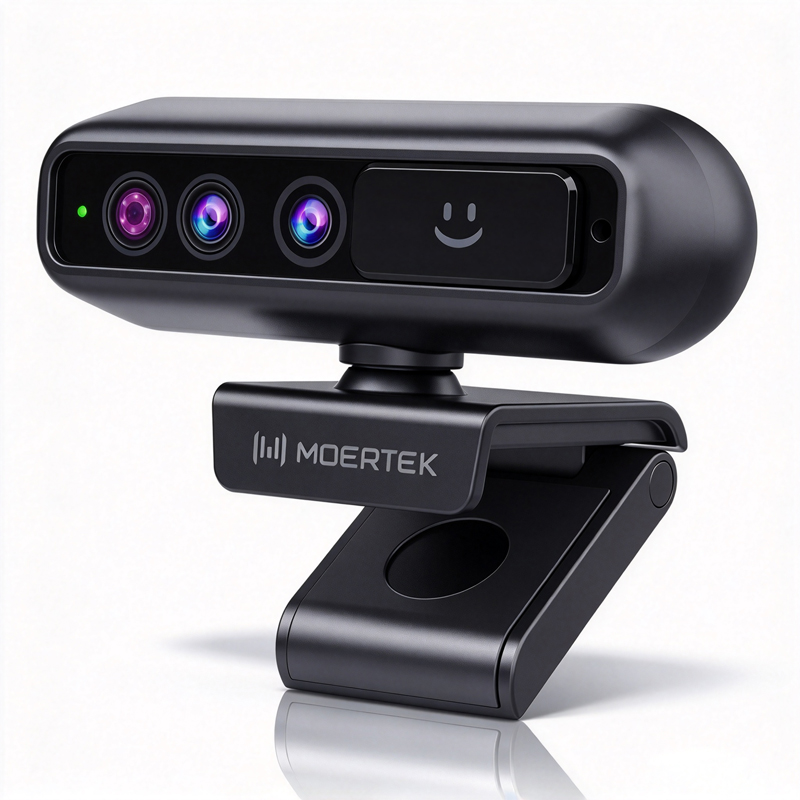
Additionally, consider the integration of AI features like  auto-tracking or noise reduction, which can enhance user experience by ensuring that  the speaker is always  in focus and background  noise  is minimized. Moertek, a specialist in 4K conference cameras, offers products that combine these features, providing  seamless integration with Windows Hello technology. Understanding the primary use case will help you choose the  right model that meets your performance and usability requirements.

Frequently Asked Questions

Does this webcam support Windows Hello facial login?

Yes. The webcam includes Windows Hello-compatible infrared sensors and firmware, enabling secure facial recognition login on Windows systems that support Hello.
The camera delivers up to 4K resolution with high-quality imaging, HDR support, and AI enhancements for crisp, professional conference video.
Yes. Built-in AI auto-tracking follows speakers smoothly, optimizing framing for single or multiple participants during conferences and telemedicine sessions.
Absolutely. We offer OEM/ODM customization for hardware, firmware, and branding to fit enterprise, education, and medical deployment needs.
The product meets CE, FCC, and RoHS standards and pairs with array microphones and noise-reduction audio amplifiers for clear conference sound.

Get a Free Quote

Our representative will contact you soon.
0/1000