Webcam Support for Windows Hello in Business

application/webcam-support-windows-hello, application/webcam-support-windows-hello, 
Inquiry
Inquiry

webcam support windows hello

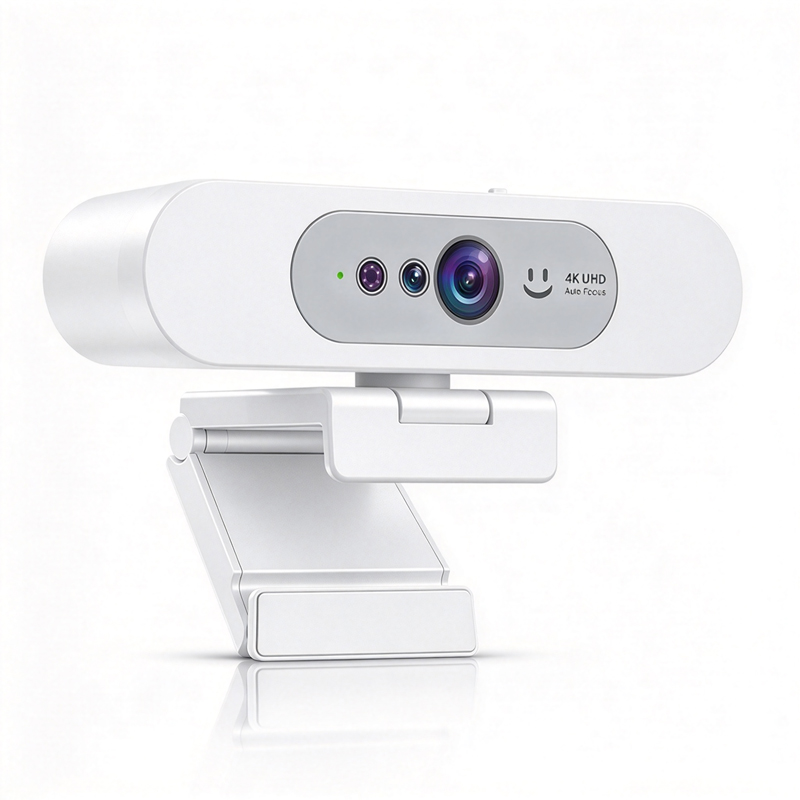
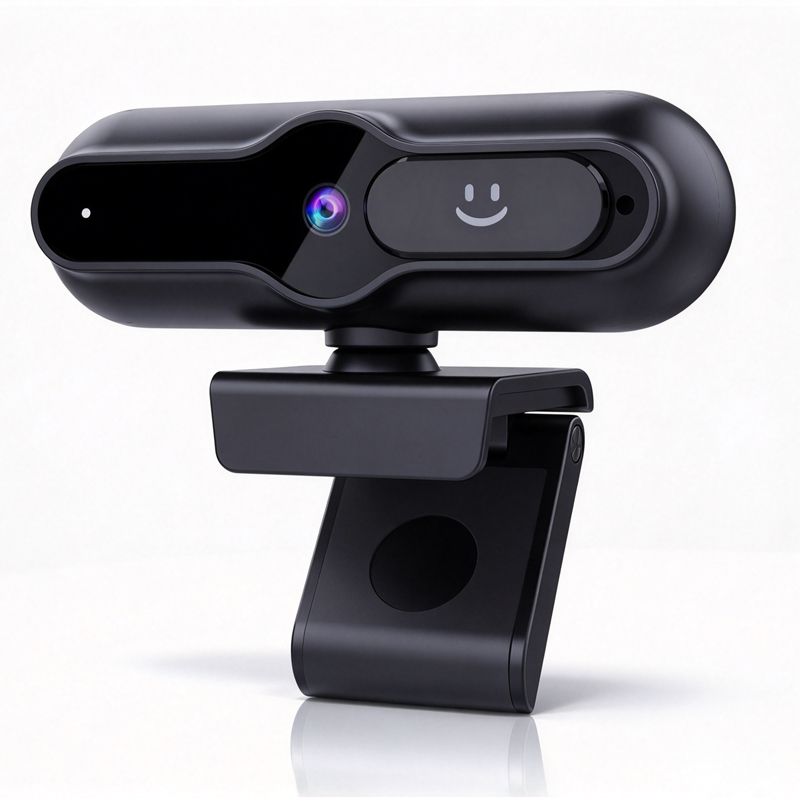
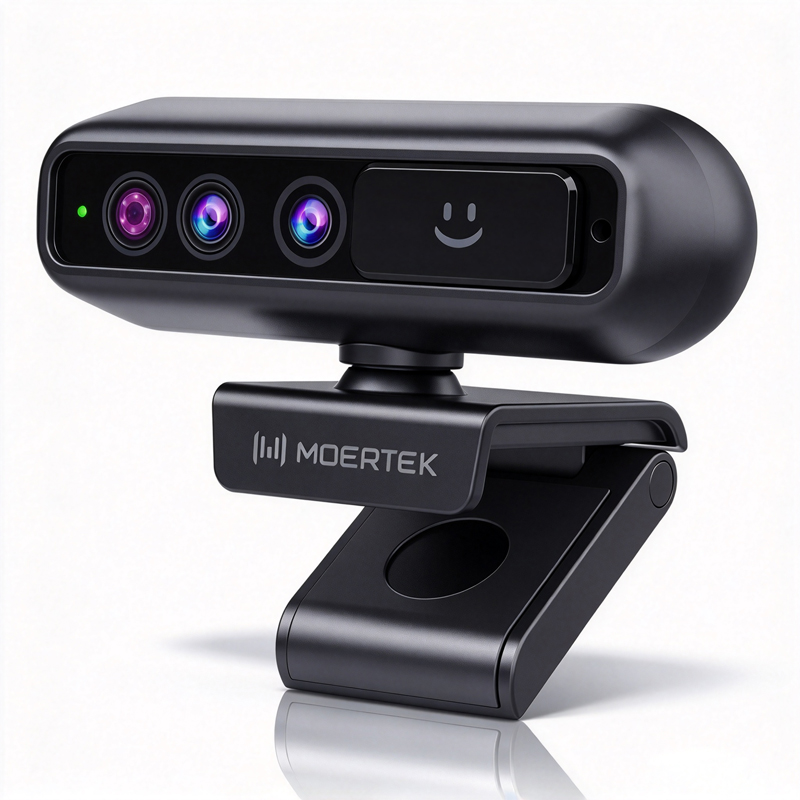
Modern businesses are increasingly adopting  advanced technologies  for secure  and efficient access control, with webcam support for Windows Hello becoming a pivotal feature. Windows Hello,  Microsoft's biometric authentication system, offers a convenient  alternative to  traditional  passwords by  enabling facial  recognition. For B2B  buyers, understanding the specifications, sourcing options, and  applications of Windows  Hello-enabled webcams is  essential in making informed purchasing  decisions. This article will delve into critical specifications, purchasing  options, common issues, and practical  applications  to help you  navigate the selection and  integration of these webcams into your business environment.

 
Wholesale Purchasing Options for Windows Hello Webcam Solutions

Wholesale Purchasing Options for Windows Hello Webcam Solutions

For businesses looking to procure Windows Hello-enabled webcams, exploring wholesale purchasing options is essential.


Bulk Orders: Many manufacturers, including Moertek, offer discounts for  bulk purchases, which can significantly reduce  costs for enterprises equipping multiple locations or departments.

OEM/ODM Services: Buyers can consider Original Equipment Manufacturer (OEM) or  Original Design Manufacturer (ODM) services, allowing customization  of the webcam  design and specifications to suit specific  business  needs.

Supplier Agreements: Establishing long-term agreements with suppliers can lead to better  pricing structures and priority access to new models or features as they are developed.

Trade Shows  and Industry Conferences: Participating in industry events can expose buyers to multiple  suppliers, allowing direct comparisons of products, prices, and features.

Online B2B  Marketplaces: Websites  like Alibaba, Global Sources, and ThomasNet  offer  platforms for businesses to connect with manufacturers and  suppliers for competitive pricing and product variety.

When requesting  quotes,  ensure to provide detailed specifications,  expected order quantities, and any customization needs to receive accurate pricing and lead times.

Where to Source Reliable Suppliers for Windows Hello Cameras

Where to Source Reliable Suppliers for Windows Hello Cameras

Finding reliable  suppliers  for Windows Hello  cameras requires  thorough research and assessment. Here are several strategies:

Industry Directories: Utilize industry-specific directories that list  verified manufacturers and suppliers. Platforms like ThomasNet and  IndustryNet provide comprehensive listings of manufacturers specializing in video conferencing technology.

Manufacturer Websites: Visit  manufacturer  websites directly, such as Moertek,  to learn about their product offerings, certifications, and customer testimonials. This can provide  insights into their reliability and product quality.

Trade Associations:  Joining trade associations  in the audiovisual and technology  sectors  can open doors to networking  opportunities and access to reputable suppliers.

Referrals and Recommendations:  Seek recommendations from industry peers or colleagues who have experience with specific suppliers. Personal referrals can lead to trustworthy partnerships.

Quality Assurance Checks: Ensure that the  suppliers have robust quality  control  processes in place. Request details about their manufacturing capabilities and quality assurance  certifications to confirm their reliability.

Common Problems with Windows Hello Webcams and Their Solutions

Common Problems with Windows Hello Webcams and Their Solutions

Despite their advantages,  Windows Hello  webcams can present challenges. Here are common issues and their solutions:

Recognition Failures: If the webcam struggles with facial recognition, ensure that the lighting is adequate and that users  are positioned correctly within the camera's field of view. Regular maintenance and cleaning of the camera lens can  also improve performance.


Software  Compatibility: Occasionally,  software updates can cause compatibility issues. Ensure  that the webcam drivers are updated regularly and that the operating system is  compatible with the webcam's software.

Audio Issues:  If audio is not functioning correctly, check  the audio input settings on the computer and ensure that  the correct microphone is selected. Testing the webcam on different devices can help identify if the issue is with the webcam or the computer itself.

Poor Video Quality: For webcams producing low-quality video, verify that the resolution settings are  appropriately  configured and  that  the camera is set to the correct  frame rate. Upgrading to models  with better low-light performance can  also mitigate this issue.

Network Connectivity: In conference settings,  poor network connections can disrupt video feeds. Ensure a strong internet connection and consider using Ethernet connections for stable performance during essential calls.

Applications of Windows Hello Webcams in Business Environments

Windows  Hello webcams serve various applications  across  different  business environments, enhancing productivity  and security:

Remote Work and Telecommuting: With the rise of remote  work, these webcams facilitate secure access to company networks  and resources through biometric authentication, simplifying login processes without compromising security.

Virtual Conferencing: In educational and corporate settings, Windows Hello webcams enhance virtual conferencing experiences by ensuring high-quality video and audio, making remote collaboration seamless.  Utilizing a Live streaming system can further enhance your virtual meetings.

Secure Access Control:  Businesses can implement these webcams as part of their access control systems, allowing employees to log in to secure areas  or systems using facial recognition, reducing reliance on  traditional keycards or  passwords.

Customer Engagement: For businesses in retail or  customer  service, integrating Windows Hello webcams can enhance customer interactions through personalized experiences during  virtual consultations or support sessions.

Healthcare Applications: In telemedicine, Windows Hello webcams enable secure patient authentication and facilitate  virtual consultations, ensuring that sensitive health information remains protected.

In summary, selecting the appropriate Windows Hello-enabled  webcams requires a comprehensive understanding of their specifications, sourcing  options, potential issues, and  applications. By focusing  on these factors, B2B buyers can make informed decisions  that align with their operational needs and enhance their business environments.

Key Specifications to Evaluate in Windows Hello-Enabled Webcams

When evaluating webcam support for Windows Hello, several  specifications are crucial  to ensure optimal performance and compatibility.

Resolution and Frame Rate: A webcam with a minimum resolution  of 1080p (Full HD) is recommended for clear video quality. Frame rates of 30 fps (frames per second)  or higher are ideal for  smooth video feeds during conference calls.

Field of View (FOV): A wider FOV (between 90 to 120 degrees) allows for more participants to be visible in a frame, making it suitable for collaborative meetings.

Low-Light Performance: Ensure the webcam has good low-light  capabilities, which is  essential for environments with varying lighting conditions. Look for models that incorporate HDR (High Dynamic Range) for better image quality in challenging lighting.

Microphone Quality: Built-in microphones should offer noise  reduction features  to ensure clear audio during video calls.  This is particularly  important in open office environments  or educational settings.

AI Features: Some webcams come equipped with AI auto-tracking, which enhances the user experience by automatically focusing on speakers during meetings. This  technology is valuable in dynamic conferencing  situations.


Compatibility: Check that the webcam  is certified  for  Windows Hello. This certification ensures that the device meets Microsoft's security and performance standards necessary for biometric authentication. Additionally, consider the Conference system you plan to integrate with your webcam for optimal performance.

Certifications: Look for compliance with CE, FCC, and RoHS standards, which indicate adherence to safety and environmental regulations. These certifications are vital for ensuring product reliability and safety in enterprise environments.

Frequently Asked Questions

Does this webcam support Windows Hello facial recognition?

Yes. Our webcam is compatible with Windows Hello facial recognition when paired with Windows Hello-enabled systems and drivers, enabling secure biometric login for enterprise and education use.
It delivers up to 4K resolution with high-quality imaging, AI auto-tracking, and noise reduction for clear video in conferences, telemedicine, and classrooms.
Yes. The webcam works with major conferencing platforms and standard UVC drivers, ensuring plug-and-play compatibility for OEM/ODM deployments.
Yes. The device supports secure biometric login via Windows Hello and is built with compliance in mind, backed by CE/FCC/RoHS certifications.
Absolutely. We specialize in RD and manufacturing and offer OEM/ODM customization for hardware, firmware, and certifications to meet enterprise, education, and telemedicine needs.

Get a Free Quote

Our representative will contact you soon.
0/1000