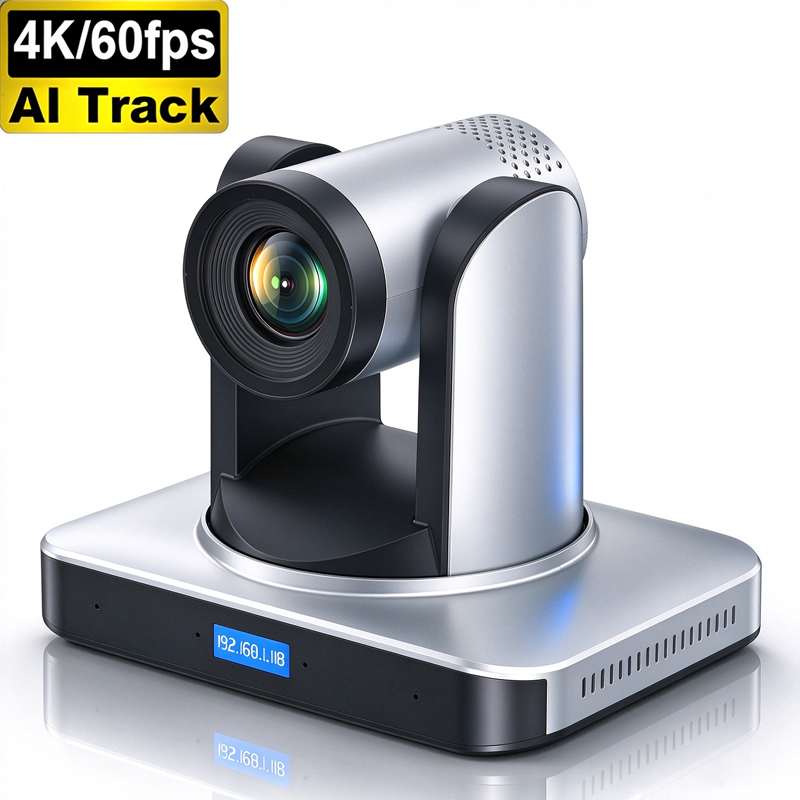
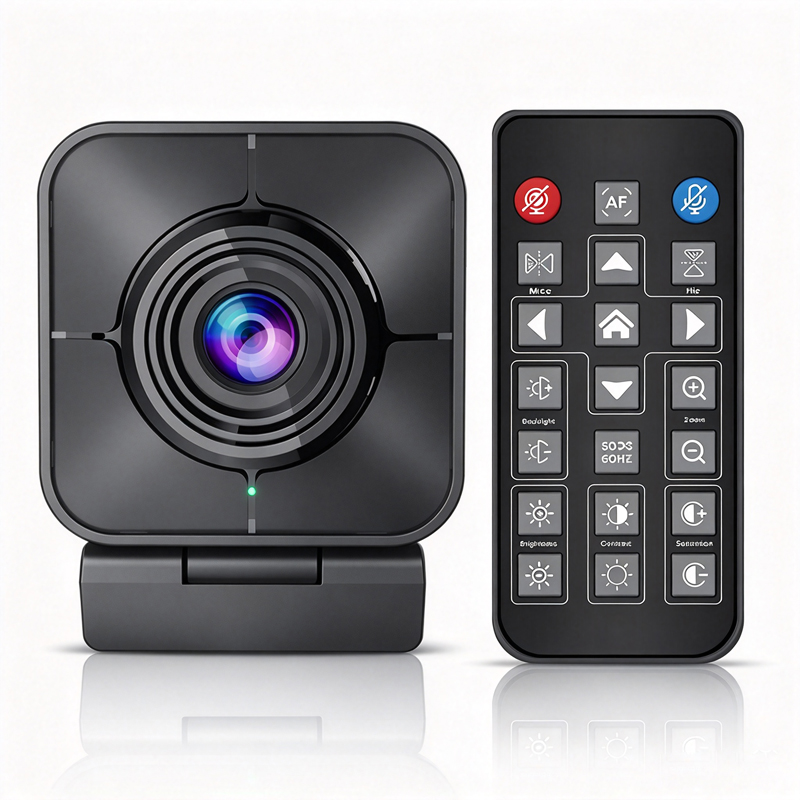
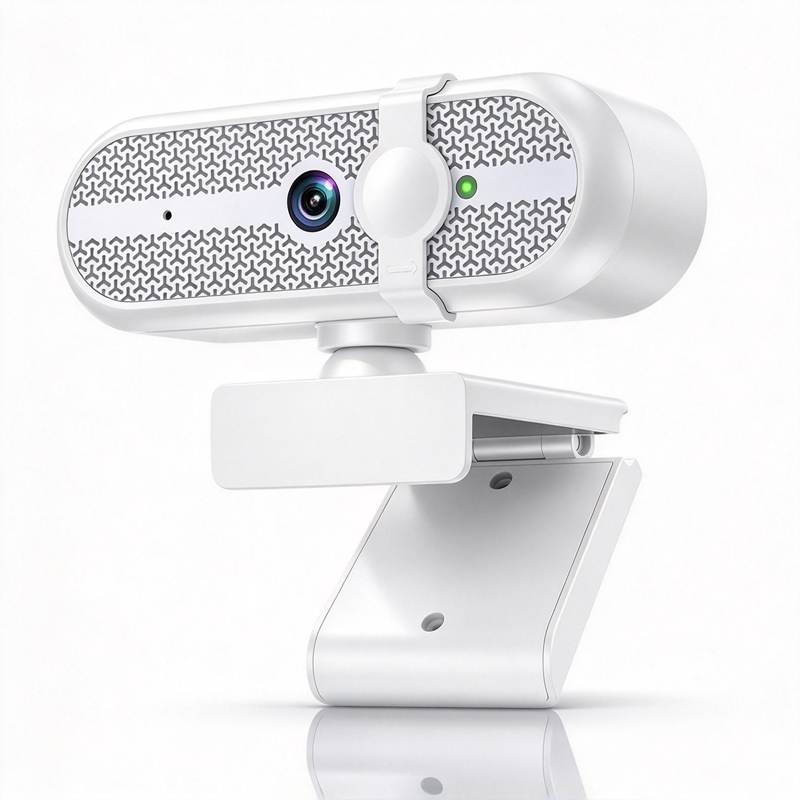
Installation Guidance for 2K 60FPS Webcams in Various Settings
Proper installation of your 2K 60FPS webcam is key to maximizing its performance. Here are some guidelines for different settings:
Conference Rooms: For larger spaces, position the webcam at eye level, ideally centered above or below the display screen. Ensure it has a clear line of sight to all participants, and test the FoV to confirm it captures the desired area. Utilizing a Live streaming system can further enhance the experience.
Home Offices: For personal use, the webcam should be placed directly above your computer screen. Lighting is vital; avoid backlighting from windows or lamps that can distort the image. Use additional lighting if necessary to enhance clarity.
Mobile Setups: If you frequently move to different locations, consider a webcam with flexible mounting options. Ensure the webcam is lightweight and comes with a protective case for easy transport.
Technical Setup: Follow the manufacturer’s instructions for connecting the webcam to your computer or conference system. Install any necessary drivers or software to ensure full functionality.
Following these guidelines will help ensure that your webcam delivers optimal performance, enhancing your video communication experience.
By understanding these factors and considerations, businesses can make informed decisions when choosing a 2K 60FPS webcam, ensuring they meet both present and future needs.
 EN