Key Specifications for 4K PTZ Cameras

application/PTZ-Camera-4K, application/PTZ-Camera-4K, 
Inquiry
Inquiry

PTZ Camera 4K

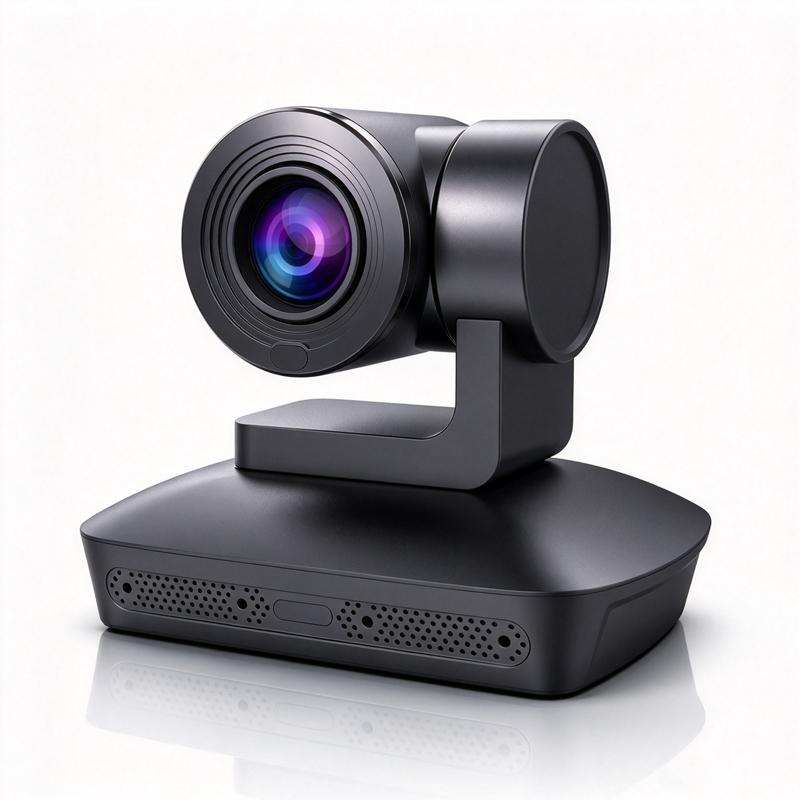
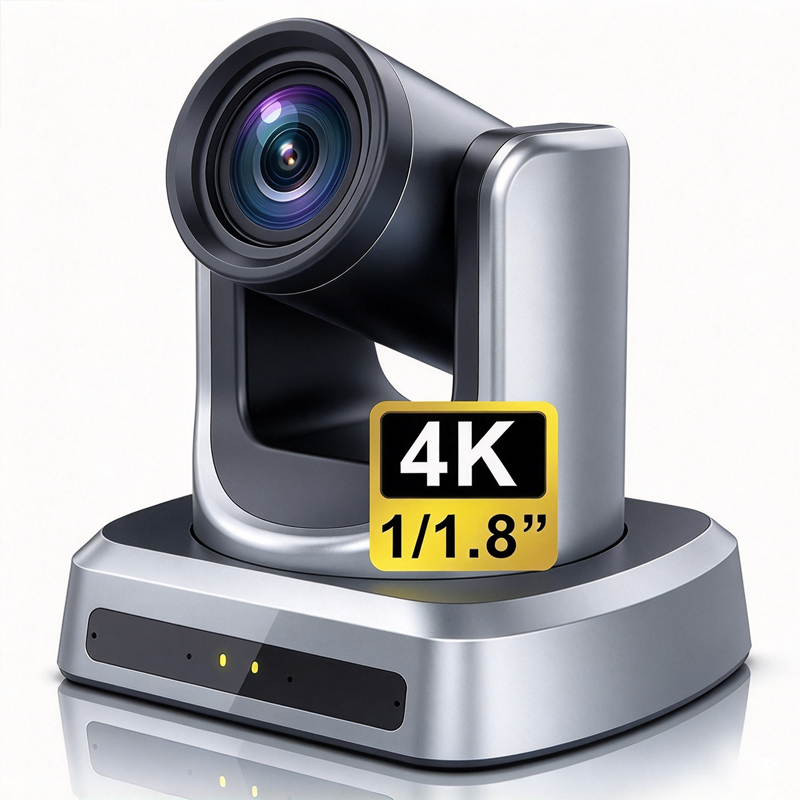
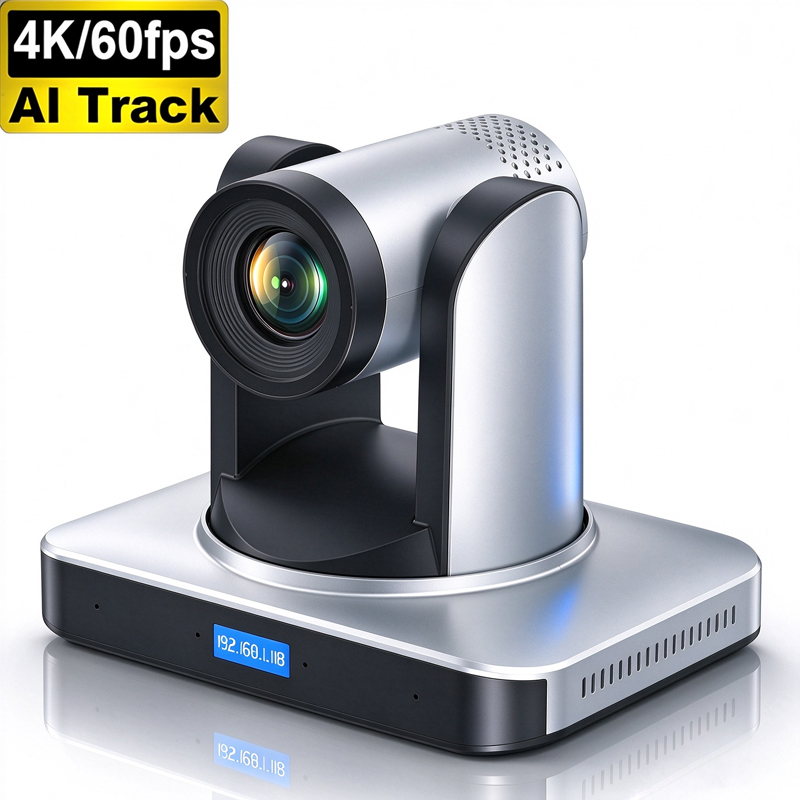
In the realm of modern conferencing technology, the PTZ Camera 4K stands out as a pivotal tool for enhancing communication in corporate, educational, and telemedicine environments. These cameras offer high-definition video capabilities along with advanced features like AI auto-tracking and noise reduction. As purchasing managers and project leaders evaluate their options, understanding the key specifications, sourcing strategies, installation guidance, and common challenges is paramount to making informed decisions. This article aims to provide critical insights to help you navigate the complex landscape of 4K PTZ conference camera.  

Where to Source Reliable 4K PTZ Cameras for Bulk Orders

Where to Source Reliable 4K PTZ Cameras for Bulk Orders

Sourcing reliable 4K PTZ cameras requires careful consideration of suppliers and manufacturers. 

Established Manufacturers: Opt for manufacturers with proven expertise in the field, such as Moertek, which specializes in R&D and manufacturing of high-quality conference cameras. Look for companies that offer OEM/ODM services to meet specific project requirements. 

Trade Shows and Industry Events: Attending industry trade shows provides an opportunity to evaluate products firsthand and establish relationships with manufacturers. These events often feature the latest technology and innovations. 

Online Marketplaces: Reliable B2B platforms can connect you with manufacturers. Ensure to vet suppliers by checking reviews, certifications, and previous project portfolios. 

Direct Inquiries: Engage with manufacturers directly to discuss your specific needs, including customization options and pricing for bulk orders. This direct approach often yields better insights into the supplier's capabilities and reliability. 

Local Distributors: Consider sourcing from local distributors who can provide immediate support and service, reducing lead times and shipping costs. 

By focusing on these sourcing strategies, you can establish a reliable supply chain for your 4K Webcam needs. 

Installation Guidance for 4K PTZ Cameras in Various Applications

Installation Guidance for 4K PTZ Cameras in Various Applications

Installing 4K PTZ cameras requires careful planning to maximize their effectiveness across different applications. 

Conference Rooms: Position the camera at an optimal height (typically 5-6 feet) to capture participants’ faces. Ensure it has a clear line of sight to all seating areas. Utilize wall mounts or ceiling mounts based on room design. 

Educational Settings: For classrooms, consider multiple camera installations to cover various angles. The AI auto-tracking feature can enhance the learning experience by following the teacher's movements. Ensure that the camera is connected to the classroom's audio system for synchronized sound. 

Telemedicine: In telemedicine, cameras should be positioned to provide a clear view of the patient and any medical equipment. Ensure the installation adheres to privacy standards, and consider using cameras with built-in privacy features. 

Connectivity Checks: Before finalizing installation, verify that all connectivity options are functioning correctly, including network settings if using IP cameras. 

Testing and Calibration: After installation, conduct thorough testing to calibrate the camera's settings, including focus, zoom, and tracking features to ensure optimal performance. 

Proper installation is crucial for leveraging the full capabilities of 4K PTZ cameras in enhancing communication and collaboration. 

Common Installation Problems with 4K PTZ Cameras and Solutions

Common Installation Problems with 4K PTZ Cameras and Solutions

Despite careful planning, various installation problems can arise with 4K PTZ cameras. Here are common issues and their solutions: 

Connectivity Issues: Often, cameras may not connect to the network or software. This can result from incorrect network settings or compatibility issues. Ensure that the camera’s IP settings are correctly configured, and check firewall settings that may block connections. 

Poor Image Quality: If the image appears blurry or pixelated, check the lens for obstructions or dirt. Ensure that the camera is properly focused and that lighting conditions are adequate. Adjust the camera settings to suit the environment, such as exposure and white balance. 

Tracking Failures: AI auto-tracking may not function effectively if the camera is positioned incorrectly. Ensure that the camera has an unobstructed view of the area it needs to monitor. If tracking frequently fails, consider recalibrating the tracking settings based on user movement patterns. 

Audio Sync Issues: In video conferencing, audio desynchronization can be distracting. This often involves checking the audio input settings and ensuring that the camera is properly integrated with the audio system. Adjusting latency settings in the conferencing software may also help. 

These common installation problems can often be resolved with careful troubleshooting and adjustment, ensuring that the 4K PTZ cameras perform as intended. 

Benefits of AI Auto-Tracking in 4K PTZ Cameras for Enterprises

AI auto-tracking functionality in 4K PTZ cameras provides significant benefits for enterprises: 

Enhanced User Experience: AI auto-tracking allows the camera to follow speakers automatically, ensuring they remain in focus during presentations. This feature greatly enhances the viewing experience for remote participants, making them feel more engaged. 

Increased Productivity: With the camera autonomously tracking speakers, users can focus on their presentations without worrying about manual adjustments. This leads to smoother transitions and less disruption during meetings. 

Versatility Across Applications: AI tracking is beneficial in various settings, including corporate meetings, classrooms, and telemedicine. It can adapt to different environments and user interactions, making it a versatile tool for diverse applications. 

Cost Efficiency: By reducing the need for additional operators or manual camera control, enterprises can cut costs associated with staffing and equipment. The technology also allows for more efficient use of space and resources. 


Key Specifications to Evaluate in 4K PTZ Cameras for Projects

When assessing 4K PTZ cameras for your projects, several specifications are critical to ensure they meet your needs. 

Resolution and Image Quality: The primary specification is the resolution, with 4K (3840 x 2160 pixels) providing significantly clearer images than lower resolutions. This is essential for capturing fine details during video conferencing. Ensure the camera supports high dynamic range (HDR) for better contrast and color accuracy. 

Zoom Capability: Optical zoom is preferable over digital zoom, as it maintains image quality. Look for Wireless PTZ camera with at least 10x optical zoom for effective close-ups without image degradation. 

Field of View (FOV): A wider FOV allows for more participants to be seen in a conference setting. Specifications typically range from 70 to 90 degrees; choose one that fits your room size. 

AI Features: Cameras with AI auto-tracking can follow speakers automatically, enhancing engagement in meetings. This feature is particularly beneficial in educational or telemedicine applications, where dynamic movement is common. 

Connectivity Options: Ensure the camera has robust connectivity options (USB, HDMI, IP) to facilitate integration with existing systems. Pay attention to compatibility with your software platforms. 

Certifications: Look for CE, FCC, and RoHS certifications to ensure compliance with international safety and environmental standards, which is vital for global sourcing. 

Understanding these specifications will equip you to select a camera that not only meets the technical requirements but also enhances the overall user experience. 

Frequently Asked Questions

What resolutions does the PTZ Camera 4K support?

The PTZ Camera 4K supports native 4K UHD resolution (3840×2160) and scales down to 1080p/720p for flexible bandwidth and compatibility with conferencing systems.
Yes. The camera features AI-driven auto-tracking to follow speakers smoothly, improving remote meeting engagement without manual control.
Built-in noise reduction algorithms minimize visual and audio noise in low-light and high-gain situations, delivering clearer video and better microphone pickup during conferences.
The product is CE, FCC, and RoHS certified, meeting international safety, electromagnetic, and hazardous substance standards for enterprise and education use.
Yes. We offer OEM/ODM services and tailor firmware, optics, and integration for enterprise, education, and telemedicine deployments with scalable production.

Get a Free Quote

Our representative will contact you soon.
0/1000